How to Audit Amazon Redshift
Auditing Amazon Redshift is a core requirement for organizations that run analytics as regulated infrastructure. Redshift clusters serve BI tools, automated pipelines, and external consumers, which makes continuous visibility into database activity mandatory for security and compliance. This visibility relies on practices such as database activity monitoring, where teams track user actions and query behavior across workloads.
Amazon Redshift is a distributed, columnar data warehouse built for large-scale analytics. It exposes telemetry through system tables and exported logs, but it does not provide centralized auditing by default. Activity data spreads across cluster nodes and external storage, so teams must process and correlate it to maintain a consistent data activity history and a defensible audit trail.
Importance of Audit
Auditing gives teams control over Amazon Redshift environments where many users and tools access the same data. Without auditing, organizations lose visibility into how users read, modify, or structure data, which weakens database security.
A structured audit process records who accessed which data, which queries ran, and how objects changed. This visibility supports effective database activity monitoring and faster response to abnormal behavior.
By maintaining a reliable database activity history, teams enforce access controls, support audits, and preserve accountability. Auditing turns Redshift into an observable data platform with a clear and consistent audit trail.
Native Amazon Redshift Auditing Capabilities
Amazon Redshift captures database activity through internal system tables and optional audit logs exported to Amazon S3. These mechanisms provide visibility into user behavior and query execution, but they require manual analysis to assemble a complete audit record.
System Tables and Views
Amazon Redshift stores execution metadata in internal system tables such as STL_QUERY, STL_CONNECTION_LOG, STL_DDLTEXT, and STL_SCAN. These tables expose executed SQL statements, authentication events, schema changes, and table-level access patterns.
Administrators query these tables directly to review historical activity. For example, STL_QUERY provides query execution details, including execution time, user identity, and query text:
SELECT
    q.query,
    q.userid,
    q.starttime,
    q.endtime,
    q.text
FROM stl_query q
WHERE q.starttime >= GETDATE() - INTERVAL '1 day'
ORDER BY q.starttime DESC;
Authentication and session activity appears in STL_CONNECTION_LOG, which records successful and failed connection attempts:
SELECT
    recordtime,
    remotehost,
    username,
    event
FROM stl_connection_log
WHERE recordtime >= GETDATE() - INTERVAL '1 day'
ORDER BY recordtime DESC;
Schema-level changes are recorded in STL_DDLTEXT, which stores executed DDL statements:
SELECT
    xid,
    starttime,
    text
FROM stl_ddltext
WHERE starttime >= GETDATE() - INTERVAL '1 day'
ORDER BY starttime DESC;
To identify accessed tables, teams often correlate STL_QUERY with STL_SCAN, which tracks table scans at the node level:
SELECT
    q.query,
    s.tbl,
    s.perm_table_name
FROM stl_query q
JOIN stl_scan s
    ON q.query = s.query
WHERE q.query = 123456;
These tables provide detailed visibility, but teams must manually join multiple views to reconstruct complete user activity across distributed nodes.
Exported Audit Logs
Amazon Redshift can export audit logs to Amazon S3, including authentication events, connection lifecycle records, and executed SQL statements. These logs support long-term retention and external analysis.
When enabled, Redshift generates user and connection logs. A typical user activity record looks like this:
2024-11-18T10:42:31Z user=bi_user db=analytics pid=4321
LOG:  statement: SELECT customer_id, total_amount FROM sales;
Connection events are logged separately, allowing teams to trace session creation and authorization:
2024-11-18T10:40:12Z user=etl_user remotehost=10.12.4.23
LOG:  connection authorized
Because Redshift writes these logs asynchronously and stores them outside the cluster, teams mainly use them for retrospective analysis. Organizations typically ingest them into log analytics platforms or SIEM systems, where additional parsing and correlation is required to build a coherent audit view.
Centralizing Amazon Redshift Auditing with DataSunrise
DataSunrise enhances Redshift auditing by consolidating activity data into a unified, structured audit trail. Instead of relying solely on system tables or exported logs, the platform centralizes Redshift activity using non-intrusive deployment modes that preserve execution context.
Correlated Activity Capture
DataSunrise correlates Redshift activity into normalized audit records that include SQL statements, user identities, session metadata, accessed objects, and timestamps. This correlation eliminates the need to manually reconstruct activity across multiple data sources.
Each audit record reflects a complete execution event, making activity easier to interpret and analyze.
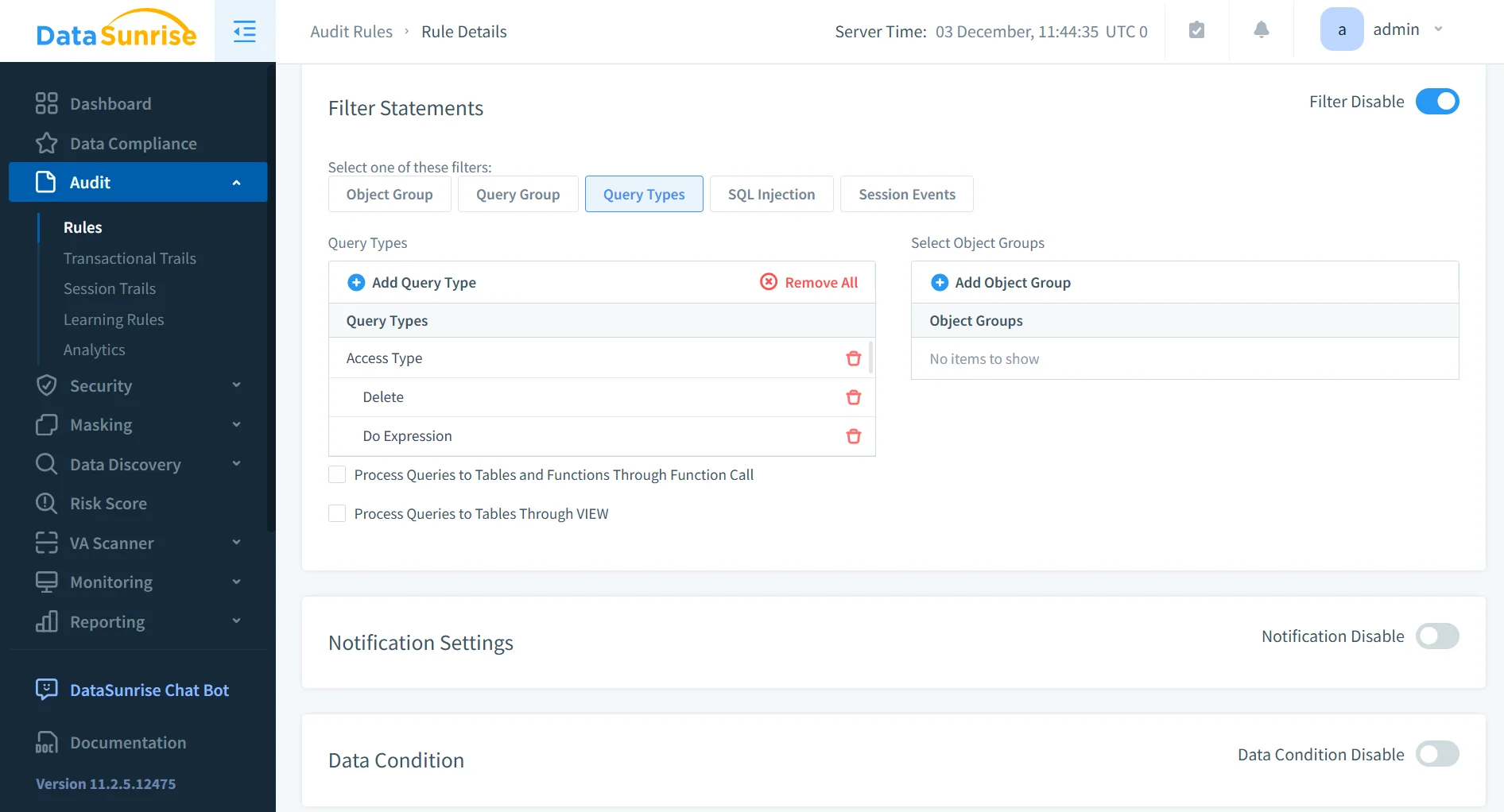
Granular Audit Rule Definition
Audit rules can be defined with precision to focus on relevant activity. Policies may target specific users, roles, schemas, tables, or operation types, allowing organizations to capture sensitive or high-risk actions without overwhelming audit storage with unnecessary data.
This selective approach improves audit clarity while supporting continuous monitoring.
Unified Audit Trail and Activity History
All captured events are stored in a centralized audit trail that supports search, filtering, and historical analysis. Security and compliance teams gain direct access to a structured database activity history that preserves user attribution and execution context.
Unlike raw system tables or standalone log files, this audit history provides a consistent view of activity across the entire Redshift environment.
Compliance-Oriented Reporting
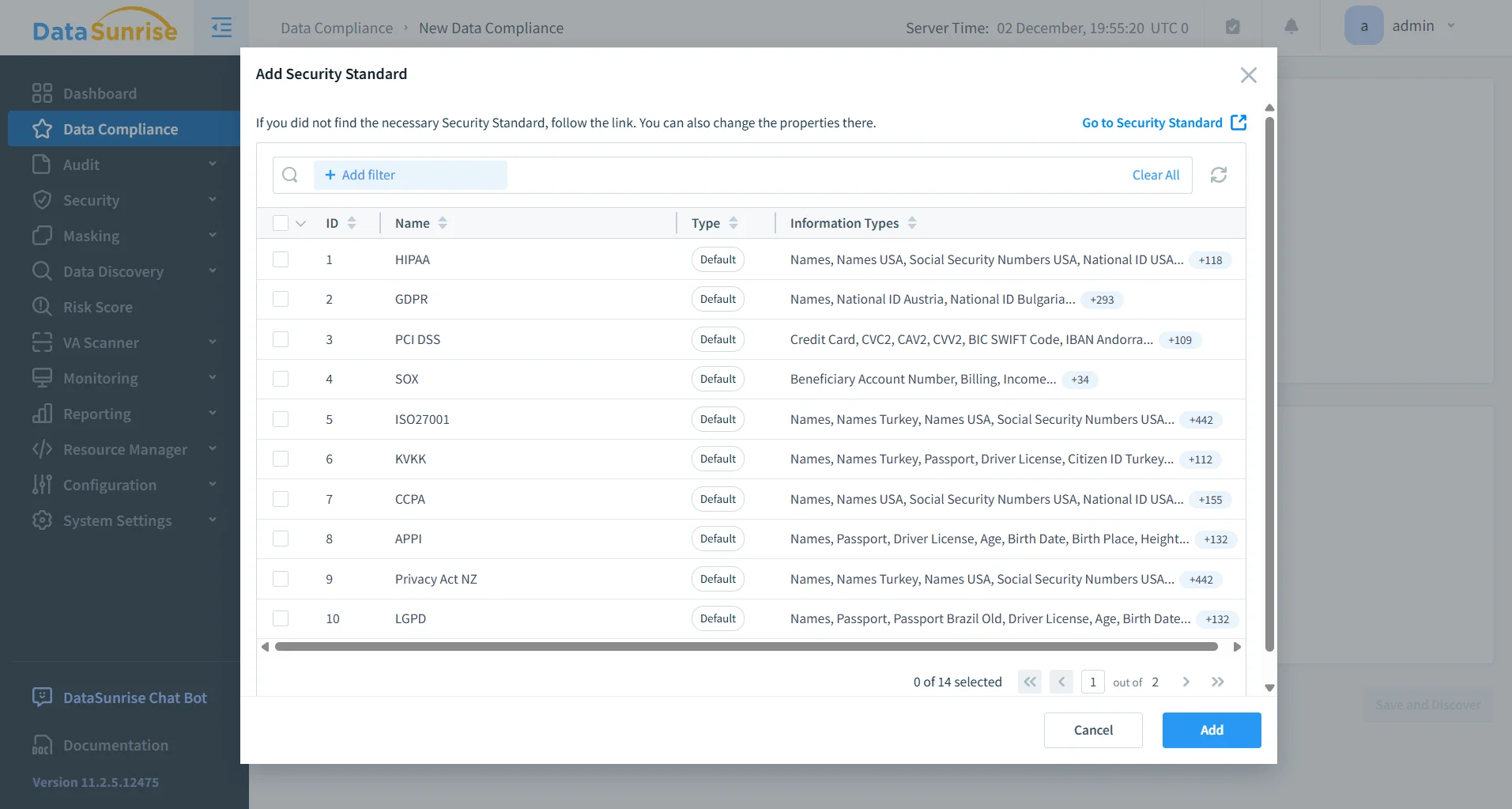
DataSunrise structures audit data in formats suitable for compliance workflows. Audit records can be reviewed, filtered, and exported in a consistent manner, simplifying regulatory audits and reducing the effort required to collect and prepare evidence.
This structured reporting approach supports long-term governance and accountability across analytics platforms.
Key Advantages of Centralized Auditing for Amazon Redshift
| Capability | Operational Benefit |
|---|---|
| Unified audit trail | Consolidated activity visibility |
| Real-time correlation | Faster analysis and investigation |
| Query-aware records | Clear execution context |
| Granular audit rules | Focused, low-noise auditing |
| Structured reporting | Simplified audit preparation |
Conclusion
Amazon Redshift captures database activity through system tables and exported logs. These native mechanisms support basic auditing, but teams must correlate and normalize the data to maintain a reliable database activity history.
When organizations centralize Redshift activity into a unified audit trail, they gain consistent visibility for security oversight, compliance reporting, and long-term governance. Centralized auditing turns Redshift into a transparent and accountable analytics platform.
For teams operating Amazon Redshift in regulated or security-sensitive environments, a structured audit strategy remains essential for responsible data operations and effective database activity monitoring.
Protect Your Data with DataSunrise
Secure your data across every layer with DataSunrise. Detect threats in real time with Activity Monitoring, Data Masking, and Database Firewall. Enforce Data Compliance, discover sensitive data, and protect workloads across 50+ supported cloud, on-prem, and AI system data source integrations.
Start protecting your critical data today
Request a Demo Download Now