How to Manage Data Compliance for Google Cloud SQL
Organizations running workloads on Google Cloud SQL face strict requirements for security, auditing, and regulatory alignment. With growing concerns about GDPR, HIPAA, and PCI DSS, ensuring compliance is not only about storing data safely but also about monitoring, masking, and controlling access in real time. This article explores how to manage compliance effectively using both native Google Cloud SQL capabilities and DataSunrise tools.
Why Data Compliance Matters in Google Cloud SQL
Data compliance ensures that sensitive information is protected according to regulatory requirements and industry standards. For organizations in healthcare, finance, and government, violations can lead to fines and reputational damage. Core aspects include keeping reliable audit trails, applying dynamic masking, discovering sensitive data early, and enforcing strong security controls.
Native Google Cloud SQL Audit and Compliance
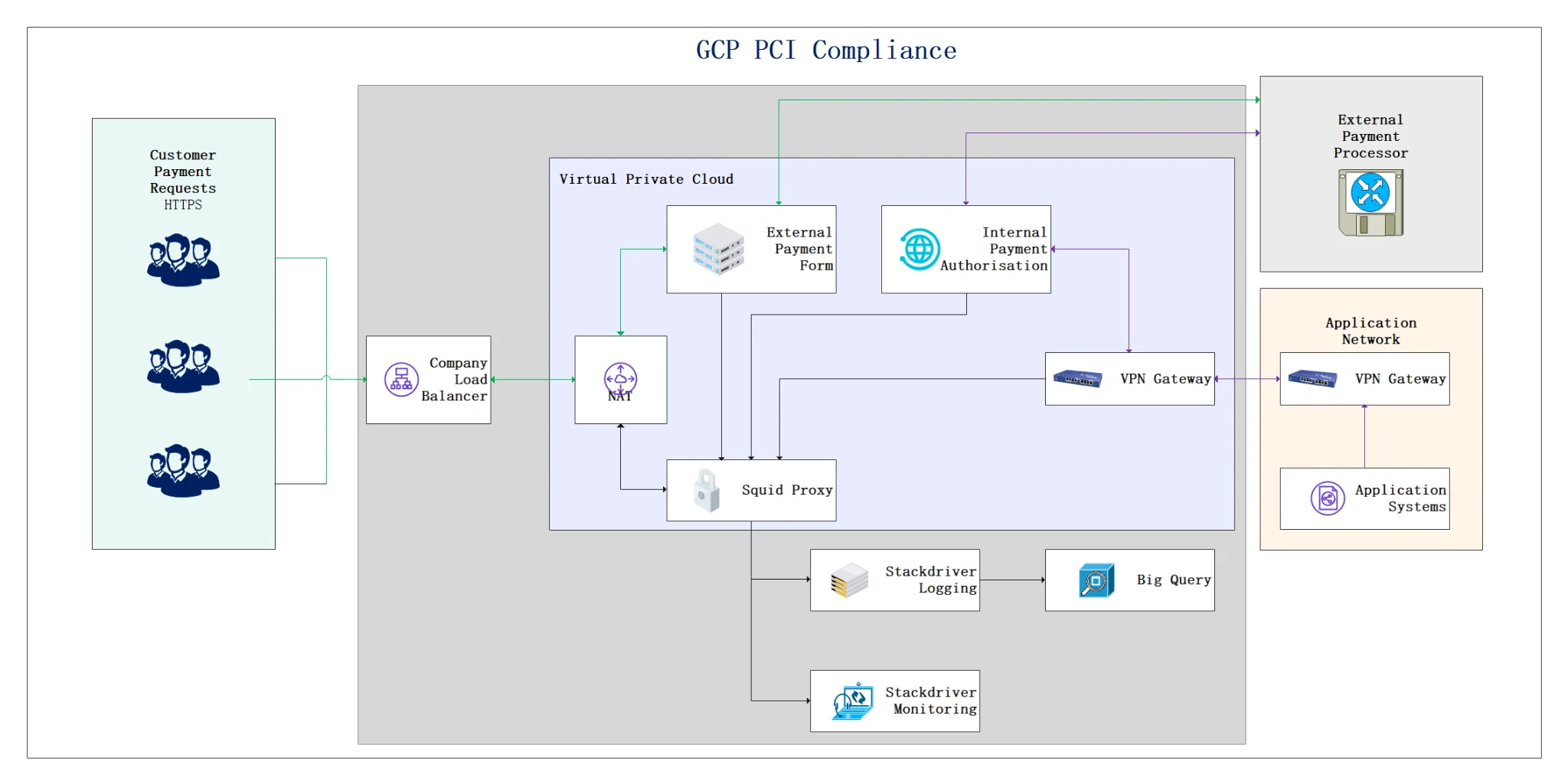
Google Cloud SQL offers auditing features through Cloud SQL audit logging. These logs are exported to Cloud Logging for analysis and retention. Administrators can configure flags and queries to capture events such as login attempts, schema changes, and data access.
Configuring Native Audit Logs
To enable audit logging for a Cloud SQL instance, set the flag cloudsql.enable_audit_log. Once enabled, logs stream to Cloud Logging. For example, to track failed login attempts:
resource.type="cloudsql_database"
logName="projects/PROJECT_ID/logs/cloudsql.googleapis.com%2Faudit"
protoPayload.methodName="cloudsql.instances.login"
protoPayload.status.code!=0
This query highlights failed logins and helps administrators detect unauthorized access. Similar queries can track database activity for compliance checks.
SQL-Level Control
Cloud SQL for MySQL and PostgreSQL also supports native SQL logging. For instance, enabling the general query log in MySQL:
SET GLOBAL general_log = 'ON';
SET GLOBAL log_output = 'TABLE';
This captures queries in a log table, which can be filtered and exported. While useful, native tools may generate large amounts of data and lack features such as real-time masking or policy-based filtering.
Enhancing Compliance with DataSunrise
Native auditing helps, but organizations often require advanced features for compliance reporting and protection. DataSunrise extends Cloud SQL with real-time monitoring, masking, and discovery.
Real-Time Audit
Database activity monitoring captures queries, schema changes, and sessions with customizable audit rules. This reduces noise and highlights what matters most for compliance.
Dynamic Masking
Dynamic masking ensures unauthorized users cannot see sensitive fields. For example:
SELECT card_number FROM customers;
-- Output: XXXX-XXXX-XXXX-1234
This supports PCI DSS by minimizing exposure during operations.
Data Discovery
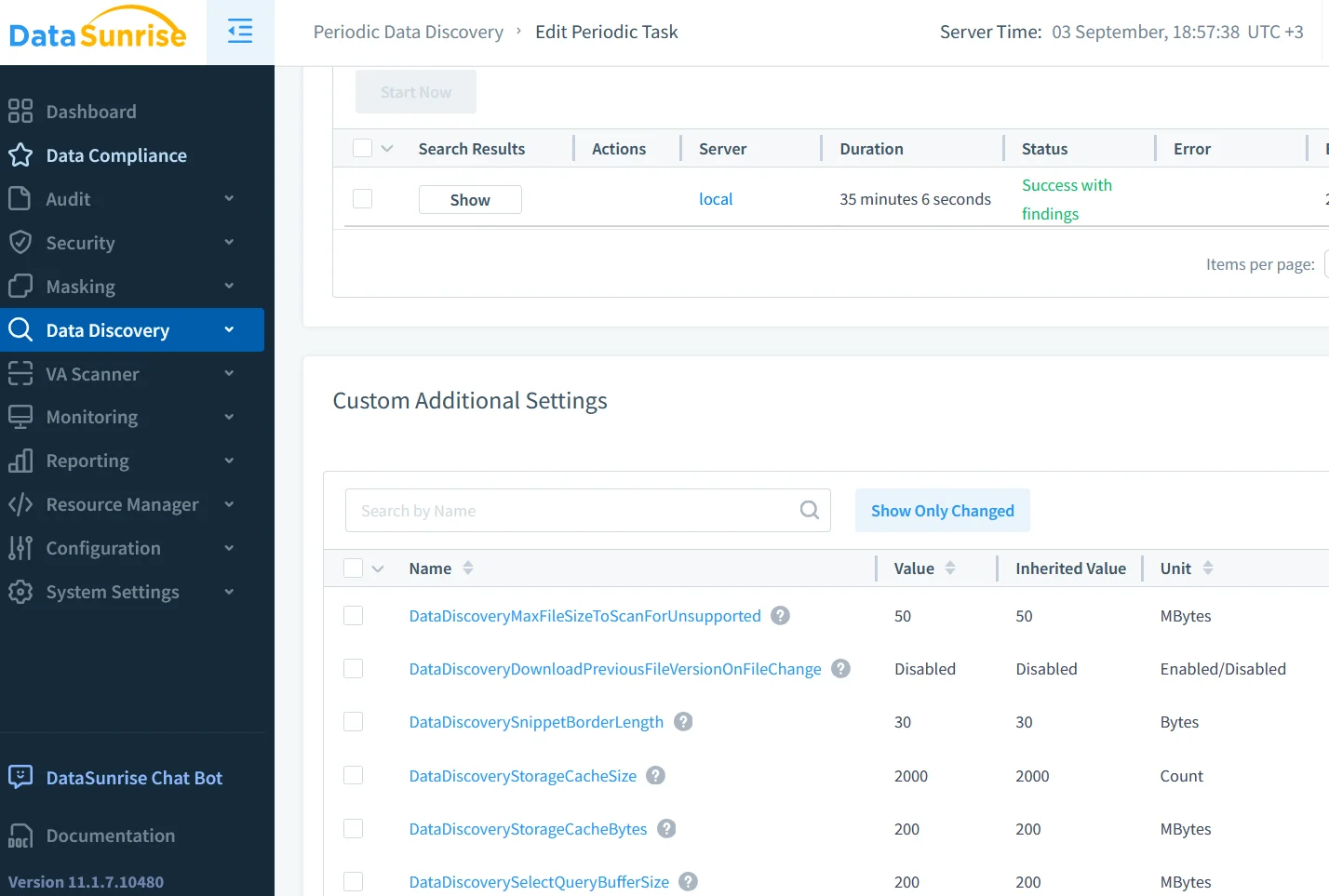
With data discovery, DataSunrise scans Cloud SQL to locate PII, payment data, and health records. Discovery tasks can run periodically to ensure new sensitive fields are automatically classified and protected.
Unified Security and Compliance
DataSunrise adds a database firewall to block SQL injection, enforces role-based access controls, and generates compliance-ready reports. This creates continuous alignment with compliance regulations.
Business Impact of Compliance Automation
Integrating Cloud SQL tools with DataSunrise enhances resilience and reduces audit preparation costs. Organizations gain faster readiness with automated reports, reduce insider risks through masking and monitoring, and lower overhead by correlating logs from multiple sources.
Conclusion
Managing compliance on Google Cloud SQL requires more than basic logging. Native audit logs provide a foundation, and SQL-level logging gives deeper insight. However, scalable compliance depends on real-time auditing, masking, and discovery. By combining Google Cloud SQL’s built-in tools with DataSunrise’s advanced framework, organizations achieve both regulatory alignment and strong data protection.
For further reference, explore Google’s compliance resources alongside the DataSunrise demo to evaluate how these solutions can be aligned for stronger security.
Protect Your Data with DataSunrise
Secure your data across every layer with DataSunrise. Detect threats in real time with Activity Monitoring, Data Masking, and Database Firewall. Enforce Data Compliance, discover sensitive data, and protect workloads across 50+ supported cloud, on-prem, and AI system data source integrations.
Start protecting your critical data today
Request a Demo Download Now