MySQL Data Governance: Ensuring Compliance and Security
Introduction
Data governance is a critical component of database management, ensuring security, compliance, and data integrity. MySQL offers native features for auditing and governance, helping organizations track data access and modifications. This article explores MySQL data governance, focusing on setting up MySQL from Oracle’s container registry, configuring external access, and implementing basic data auditing techniques. For additional research on MySQL security practices, refer to MySQL Security Guide, MySQL Audit Log, and INSERT Statement Documentation.
For broader data compliance topics, see Data Governance and Data Compliance.
Installing MySQL Community from Oracle’s Container Registry
To install MySQL 8.4 using Oracle’s container registry, follow these steps:
1. Log in to Oracle Container Registry
docker login container-registry.oracle.com
You will be prompted to enter your Oracle account credentials.
2. Pull the MySQL 8.4 Image
docker pull container-registry.oracle.com/mysql/community-server:8.4
3. Run the MySQL Container
docker run --name mysql-container -e MYSQL_ROOT_PASSWORD=rootpassword -d -p 3306:3306 container-registry.oracle.com/mysql/community-server:8.4
4. Check Running Containers
docker ps
Ensure the container is running before proceeding.
Allowing External Root Connections
By default, MySQL restricts external connections. To allow external access, first attempt to connect as root from outside the container:
mysql -u root -p
If you see the error message:
ERROR 1130 (HY000): Host '172.17.0.1' is not allowed to connect to this MySQL server
then you need to allow your IP. Follow these steps:
1. Log into MySQL from within the container
docker exec -it mysql-container mysql -u root -p
2. Create a new root user with access from your local IP
CREATE USER 'root'@'172.17.0.1' IDENTIFIED BY 'rootpassword';
GRANT ALL PRIVILEGES ON *.* TO 'root'@'172.17.0.1' WITH GRANT OPTION;
FLUSH PRIVILEGES;
Now, you should be able to connect from your local machine.
For security best practices, see Database Security and Role-Based Access Controls.
Creating Sample Tables and Inserting Mock Data
Before implementing auditing mechanisms, create a simple database and populate it with mock data:
CREATE DATABASE company_db;
USE company_db;

CREATE TABLE employees (
    id INT AUTO_INCREMENT PRIMARY KEY,
    name VARCHAR(100),
    position VARCHAR(50),
    salary DECIMAL(10,2)
);

INSERT INTO employees (name, position, salary) VALUES
    ('Alice Johnson', 'Engineer', 70000.00),
    ('Bob Smith', 'Manager', 85000.00),
    ('Charlie Brown', 'Analyst', 60000.00);
For more on data insertion, see INSERT Statement Documentation.
Implementing Data Auditing with MySQL Triggers
Once MySQL is set up and configured, you can create an audit log using triggers.
CREATE TABLE audit_log (
    id INT AUTO_INCREMENT PRIMARY KEY,
    action_time TIMESTAMP DEFAULT CURRENT_TIMESTAMP,
    user VARCHAR(255),
    action_type VARCHAR(50),
    original_data JSON,
    modified_data JSON
);

CREATE TRIGGER before_update_employees
BEFORE UPDATE ON employees
FOR EACH ROW
INSERT INTO audit_log (user, action_type, original_data, modified_data)
VALUES (CURRENT_USER(), 'UPDATE', JSON_OBJECT('name', OLD.name, 'position', OLD.position, 'salary', OLD.salary),
        JSON_OBJECT('name', NEW.name, 'position', NEW.position, 'salary', NEW.salary));
For advanced auditing strategies, see Audit Logs and Database Activity Monitoring.
Using Views for Controlled Access
To limit exposure to sensitive data, create a view that only shows non-sensitive employee information:
CREATE VIEW employee_public AS
SELECT id, name, position FROM employees;
For more compliance-related solutions, check Data Privacy Compliance and Data Masking.
Storing and Retrieving Audit Data
Querying Audit Logs
USE company_db;
SELECT * FROM audit_log ORDER BY action_time DESC;
For further insights into auditing, read Audit Storage and Audit Trails.
Creating Data Backups
To ensure data integrity, create regular backups:
mysqldump -u root -p --databases company_db > backup.sql
For enhanced security, explore Database Encryption.
Automating Data Governance with DataSunrise
For a fully automated approach, DataSunrise provides advanced tools for database security, compliance, and monitoring.
Setting Up DataSunrise for Continuous Data Governance
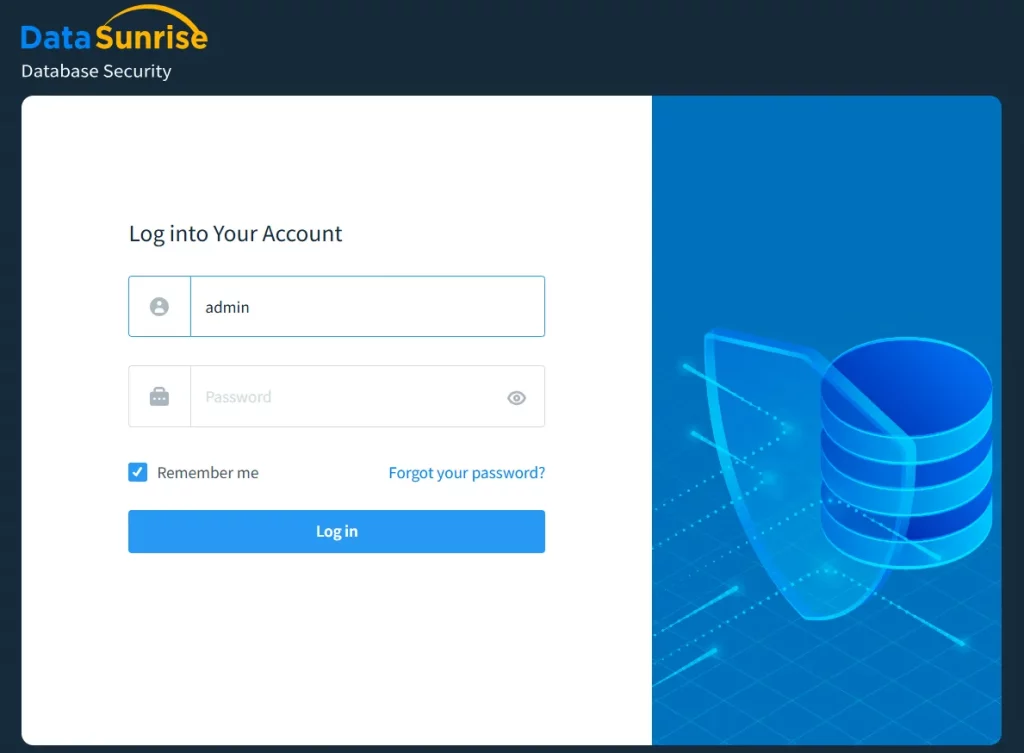
- Log in to DataSunrise using your administrator credentials:
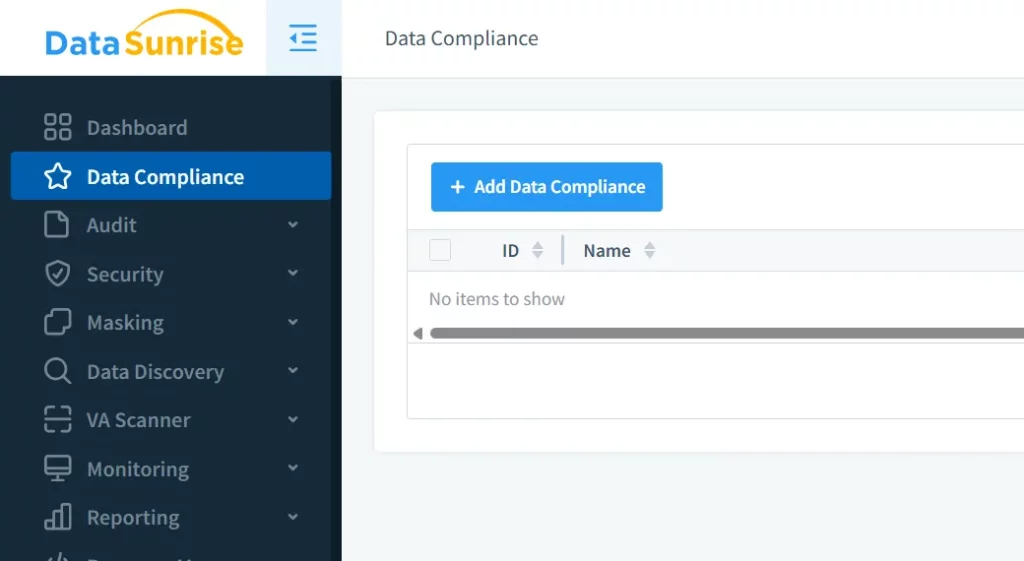
- Navigate to the “Data Compliance” tab and click “Add Data Compliance” to start configuring governance rules:
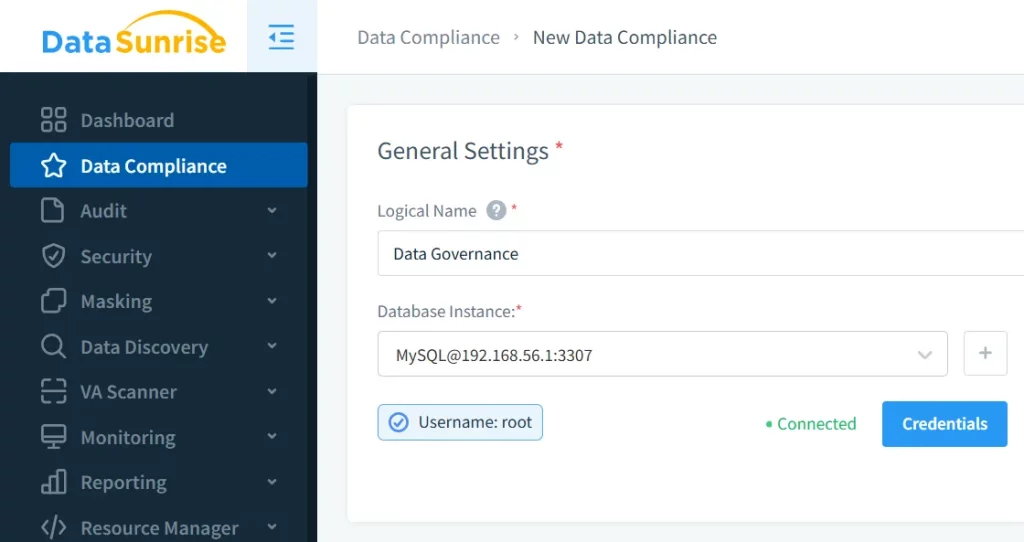
- Select your MySQL instance and provide a logical name for the compliance rule:
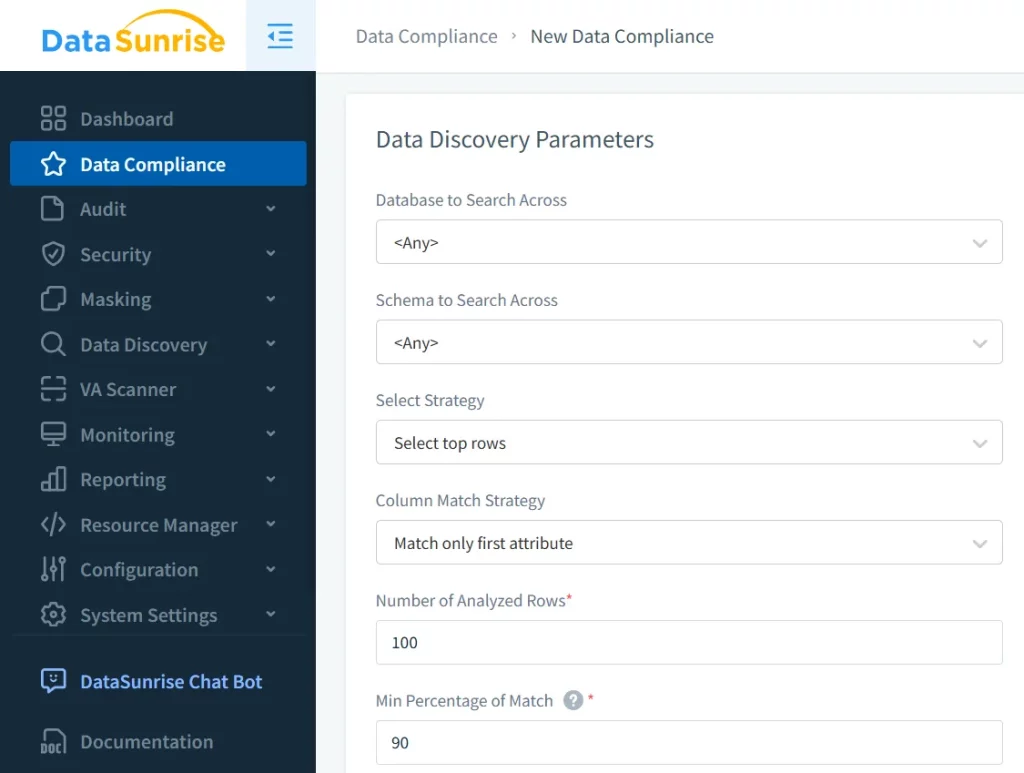
- Set discovery patterns to define which database areas should be scanned (e.g., financial records, PII, or intellectual property):
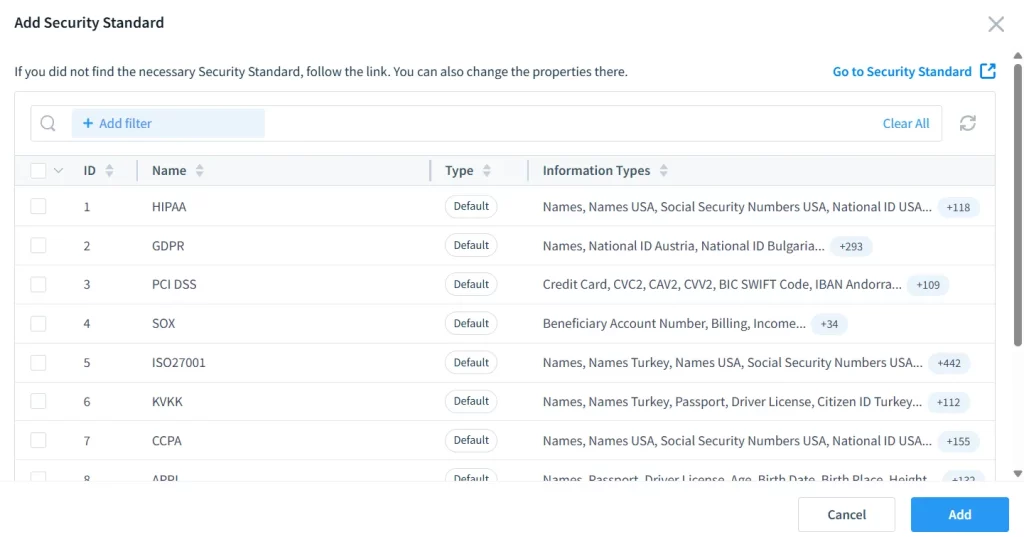
- Choose the desired compliance framework (GDPR, HIPAA, PCI DSS, etc.) to apply relevant security policies automatically:
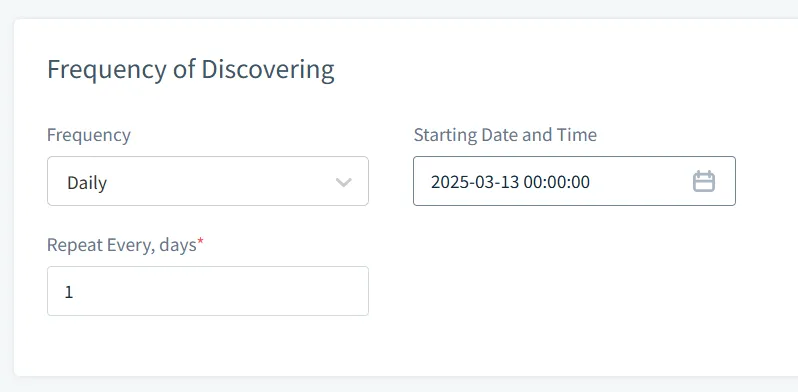
- Configure the regularity of searches, ensuring continuous monitoring and enforcement of compliance rules:
For a comprehensive look at compliance management, check Compliance Manager and Complying with SOX, PCI DSS, and HIPAA Requirements.
Conclusion
By installing MySQL 8.4 via Oracle’s container registry and configuring external access, you establish a secure foundation for data governance. Implementing triggers and views allows for native auditing and controlled data access. However, for organizations requiring a comprehensive and automated approach to compliance, DataSunrise offers cutting-edge tools for database security.
For more on automated compliance, visit Automated Compliance Reporting. To explore how DataSunrise can enhance your database security strategy, request a DataSunrise Demo today.
