Apache Cassandra Audit Log

Apache Cassandra is a distributed, high-performance NoSQL database trusted for handling massive amounts of data with near-zero downtime. As deployments grow in size and complexity, the importance of capturing every query, change, and login attempt becomes critical. A well-implemented Apache Cassandra Audit Log supports accountability, ensures regulatory compliance, and delivers operational insights that are invaluable for both security teams and auditors.
Why Apache Cassandra Audit Logging Matters
Serving as an unchangeable security record, audit logs capture the full history of database activity. This capability enables organizations to trace exactly who accessed data, when, and how. Moreover, it can be used to detect suspicious behavior, reconstruct incidents, and demonstrate compliance with standards such as GDPR, HIPAA, and PCI DSS. When paired with strong data security measures, audit logging also acts as an early warning system for potential breaches.
In addition, regulated industries like finance or healthcare face significant penalties if comprehensive audit records are missing. Beyond meeting compliance, these logs improve database performance analysis by highlighting inefficient access patterns and guiding query optimization.
Real-Time Audit in Cassandra
In practice, Cassandra’s native audit logging records operations such as SELECT, INSERT, UPDATE, and DELETE, as well as authentication attempts and schema changes. As a result, organizations can stream these logs to SIEM systems or integrate them with database activity monitoring tools like DataSunrise, thereby gaining real-time visibility enriched with user roles, IP addresses, and query details.
For example, the following configuration in cassandra.yaml enables targeted auditing:
audit_logging_options:
    enabled: true
    logger: BinAuditLogger
    audit_logs_dir: /var/log/cassandra/audit/
    included_keyspaces: ["finance", "hr"]
    excluded_users: ["monitoring_user"]
Specifically, this setup records all activity in the finance and hr keyspaces while excluding specific automated accounts.
Native Apache Cassandra Audit Configuration
Configuration Steps
To configure native audit logging, first enable audit_logging_options in cassandra.yaml and choose an appropriate logger, such as BinAuditLogger. Then define the keyspaces and users to include or exclude according to your security policies. Once the changes are saved, restart Cassandra nodes to apply them.
Verification
You can also check that audit logging is active by running the following query against the system_views.audit_logs table:
SELECT * FROM system_views.audit_logs LIMIT 5;
DataSunrise Audit for Cassandra
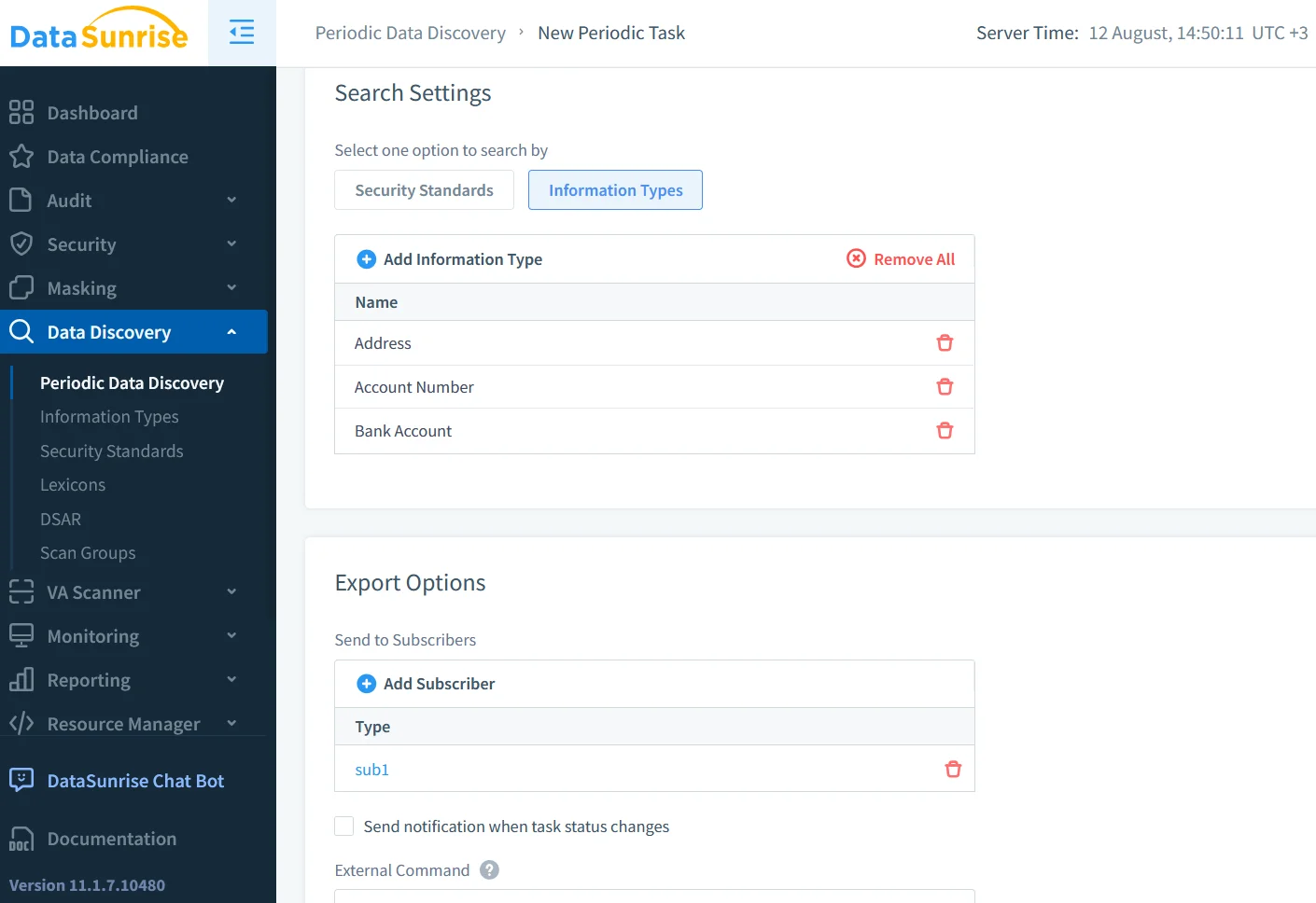
DataSunrise Data Audit builds on native logging with dynamic data masking, automated sensitive data discovery, real-time alerting, and prebuilt compliance dashboards for GDPR, HIPAA, and PCI DSS.
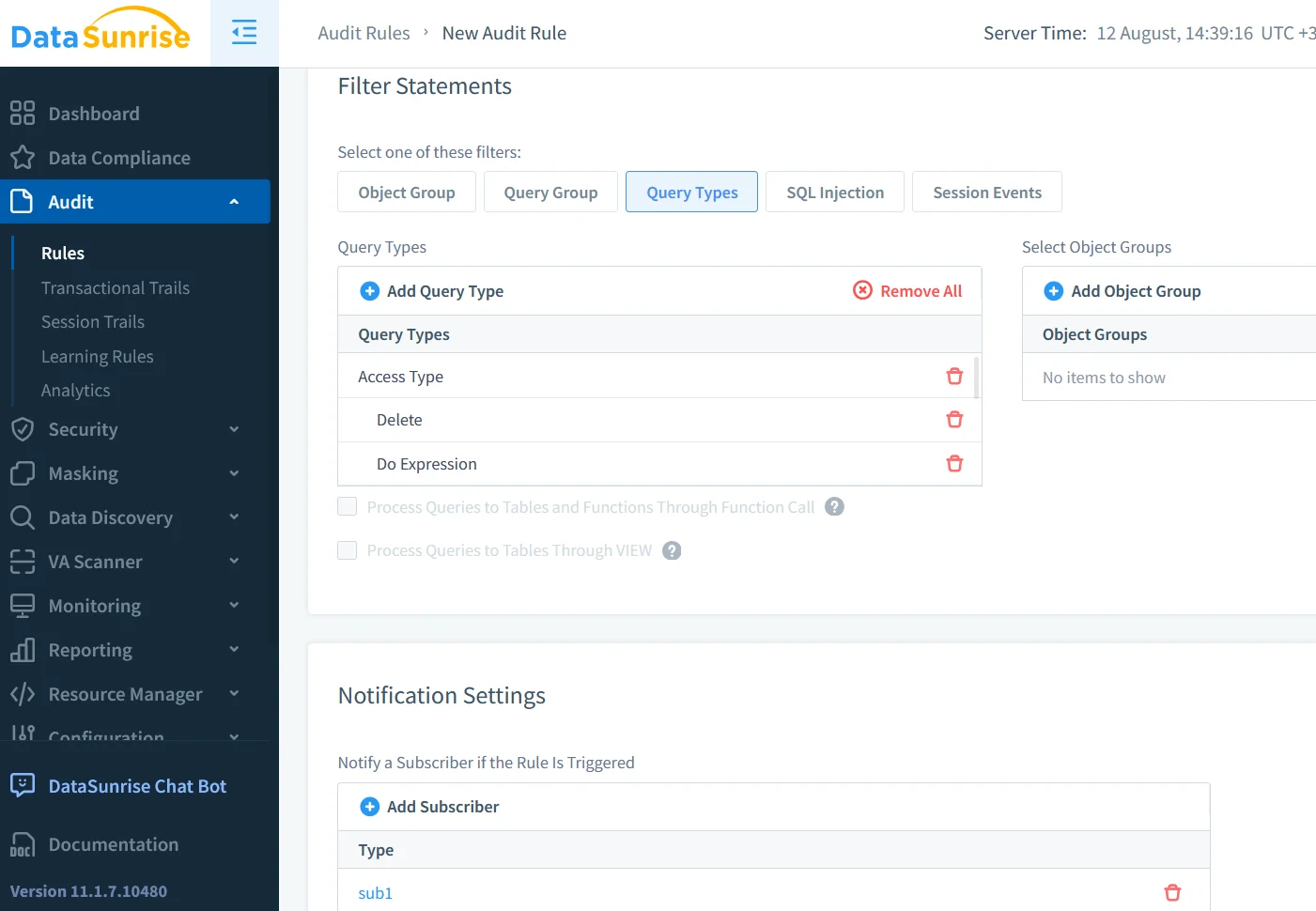
With this approach, sensitive data is never exposed to unauthorized users, even in query results.
Security and Compliance Advantages
When native Cassandra logging is combined with DataSunrise, the result is a stronger overall security posture. For instance, organizations gain enhanced query inspection with role-based access controls, tamper-proof audit storage, and early problem detection through masking and alerting. Furthermore, DataSunrise Compliance Manager streamlines reporting, helping teams prepare evidence for audits in less time. This layered approach not only satisfies regulatory requirements but also improves operational resilience.
| Feature | Native Cassandra Audit | DataSunrise Enhancement |
|---|---|---|
| Event Capture | Tracks CRUD, login attempts, and schema changes. | Enriches events with user role, source IP, and query context. |
| Real-Time Alerts | Requires external scripts or SIEM rules. | Built-in policy-based alerts via email, chat, or SIEM. |
| Data Masking | Not supported natively. | Dynamic masking at query time with role-based policies. |
| Compliance Support | Basic audit logs for manual reporting. | Dashboards for GDPR, HIPAA, PCI DSS compliance checks. |
Integration with External Tools
Audit logs can be exported to ELK Stack for visualization, Splunk for event correlation, or Prometheus/Grafana for performance monitoring. Furthermore, more detailed configuration guidance can be found in the Apache Cassandra Documentation and the DataStax Audit Logging Guide. For reference code and best practices, you can also see the Apache Cassandra GitHub repository. By integrating with these tools and DataSunrise’s analytics, teams can perform near real-time incident detection and forensic investigations.
Example Hybrid Workflow
In a hybrid deployment, native Cassandra audit logs capture all CRUD operations and authentication events, which are then forwarded to DataSunrise for enrichment and masking. Suspicious activity triggers immediate alerts, and enriched logs are sent to a SIEM for long-term retention and compliance reporting. This model ensures complete audit coverage without compromising performance.
Final Thoughts
An Apache Cassandra Audit Log is not just a compliance necessity—it is a strategic security tool. Combining Cassandra’s native logging with the advanced capabilities of DataSunrise allows organizations to monitor database activity in real time, protect sensitive information automatically, and simplify audit preparation. As data environments grow, this layered approach ensures that Cassandra remains secure, compliant, and resilient against both insider and external threats.
Protect Your Data with DataSunrise
Secure your data across every layer with DataSunrise. Detect threats in real time with Activity Monitoring, Data Masking, and Database Firewall. Enforce Data Compliance, discover sensitive data, and protect workloads across 50+ supported cloud, on-prem, and AI system data source integrations.
Start protecting your critical data today
Request a Demo Download Now