How to Apply Static Masking in CockroachDB
In today's data-driven landscape, protecting sensitive information in distributed SQL databases has become critical. According to IBM's 2024 Cost of a Data Breach Report, organizations with comprehensive data masking reduce breach costs by $1.82 million and detect incidents 68% faster. For enterprises using CockroachDB, a cloud-native distributed SQL database, implementing static data masking has become essential for database security and compliance.
With regulations like GDPR, HIPAA, and PCI DSS imposing strict data protection requirements, static masking permanently transforms sensitive data in non-production environments, enabling developers to work with realistic datasets without exposing customer information.
This guide explores implementing static masking in CockroachDB using native SQL approaches and advanced automation solutions.
Understanding Static Masking in CockroachDB
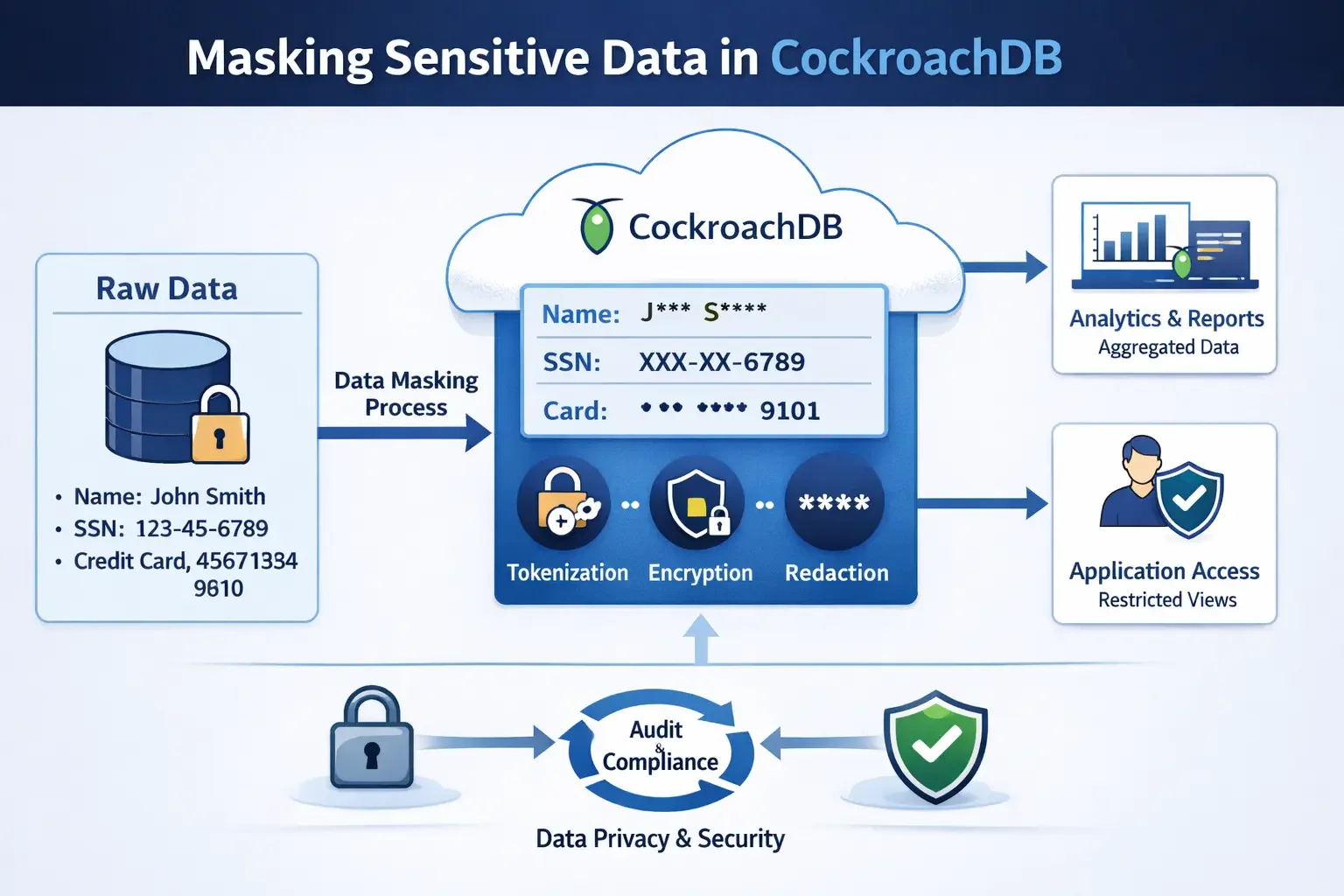
Static masking permanently replaces sensitive information with realistic but fictitious data. Unlike dynamic masking, which transforms data in real-time, static masking creates persistent masked copies for non-production use.
Key Characteristics
- Permanent Transformation: Masked data replaces original sensitive information, creating de-identified datasets
- Format Preservation: Maintains data structure, type, and referential integrity
- Compliance Alignment: Satisfies regulatory requirements for PII protection
When to Use Static Masking
- Development and test data management environments
- Third-party analytics and reporting
- Training and demonstration databases
- Cloud migration and backup retention
Native CockroachDB Approaches to Static Masking
CockroachDB supports various SQL functions for implementing static masking. While these require manual implementation, they offer fine-grained control.
1. Creating Test Data with Sensitive Information
-- Create a test table with sensitive customer data
CREATE TABLE customers (
    id UUID PRIMARY KEY DEFAULT gen_random_uuid(),
    full_name STRING NOT NULL,
    email STRING UNIQUE NOT NULL,
    ssn STRING NOT NULL,
    credit_card STRING NOT NULL,
    phone_number STRING NOT NULL,
    salary DECIMAL(10, 2)
);

-- Insert sample data
INSERT INTO customers (full_name, email, ssn, credit_card, phone_number, salary)
VALUES
    ('Jennifer Martinez', '[email protected]', '123-45-6789', '4532-1234-5678-9012', '+1-555-0123', 85000.00),
    ('Michael Thompson', '[email protected]', '987-65-4321', '5425-9876-5432-1098', '+1-555-0456', 92000.00);
2. Creating a Masked Copy
-- Create masked table
CREATE TABLE customers_masked AS
SELECT
    id,
    'User_' || substr(md5(full_name::string), 1, 8) AS full_name,
    substr(md5(email::string), 1, 10) || '@masked-' || split_part(email, '@', 2) AS email,
    'XXX-XX-' || substr(ssn, -4, 4) AS ssn,
    'XXXX-XXXX-XXXX-' || substr(credit_card, -4, 4) AS credit_card,
    '+1-555-' || lpad(floor(random() * 10000)::string, 4, '0') AS phone_number,
    round(salary * (0.8 + random() * 0.4), 2) AS salary
FROM customers;
Enhanced Static Masking with DataSunrise
While native SQL approaches provide basic capabilities, DataSunrise dramatically enhances the process through Zero-Touch Data Masking and No-Code Policy Automation. DataSunrise's comprehensive masking solution transforms weeks of manual scripting into automated, audit-ready processes.
Key Advantages of DataSunrise for CockroachDB
Auto-Discover & Classify: Proprietary data discovery algorithms automatically identify sensitive data according to GDPR, HIPAA, and PCI DSS, eliminating weeks of manual analysis.
No-Code Policy Automation: Create sophisticated static masking rules through an intuitive interface, reducing implementation time from weeks to hours.
Surgical Precision Masking: Apply different masking types (substitution, shuffling, encryption, nullification) with format preservation and irreversible transformation.
Referential Integrity Preservation: Automatically analyzes table relationships and maintains foreign key consistency.
Centralized Policy Management: Define policies once and apply consistently across multiple CockroachDB instances through unified Compliance-First Architecture.
Audit-Ready Documentation: Generate comprehensive reports documenting masked data for audit trails and compliance evidence.
Implementing DataSunrise for CockroachDB Static Masking
Setting up DataSunrise for CockroachDB follows a straightforward process:
1. Connect to CockroachDB: Establish a secure connection through DataSunrise's interface, supporting all deployment models.
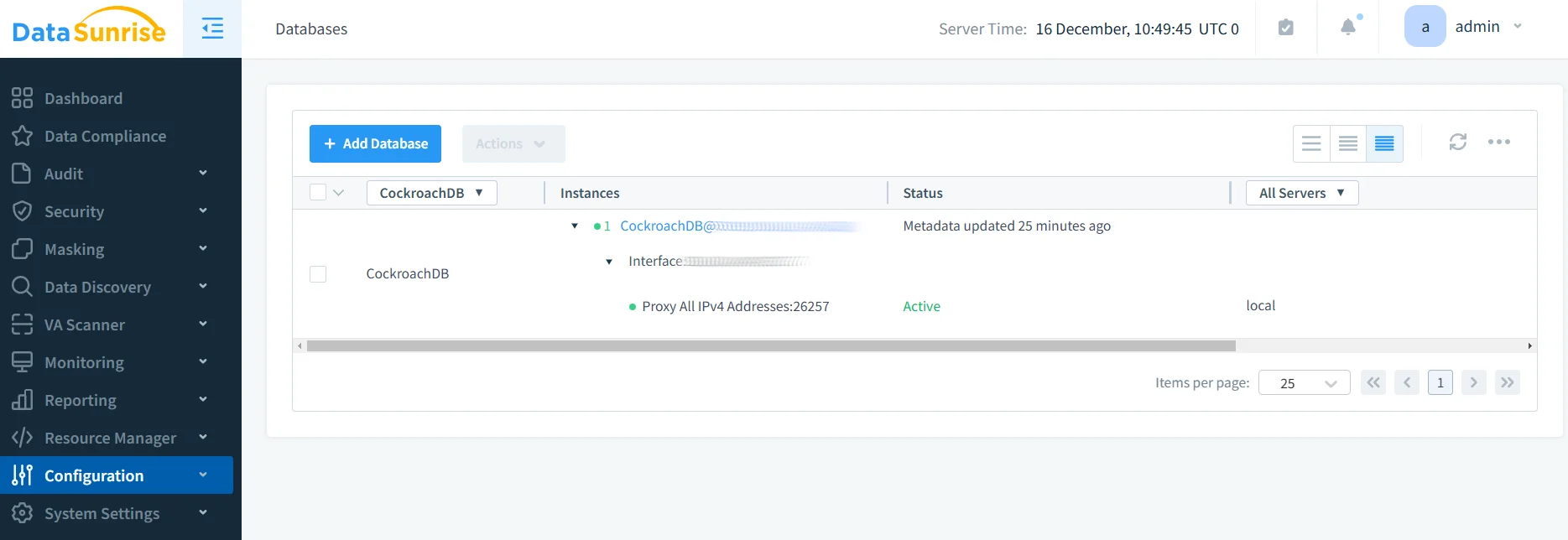
2. Discover Sensitive Data: Auto-Discover engine identifies sensitive data using NLP algorithms.
3. Configure Masking Rules: Create in-place masking rules selecting target tables and masking algorithms.
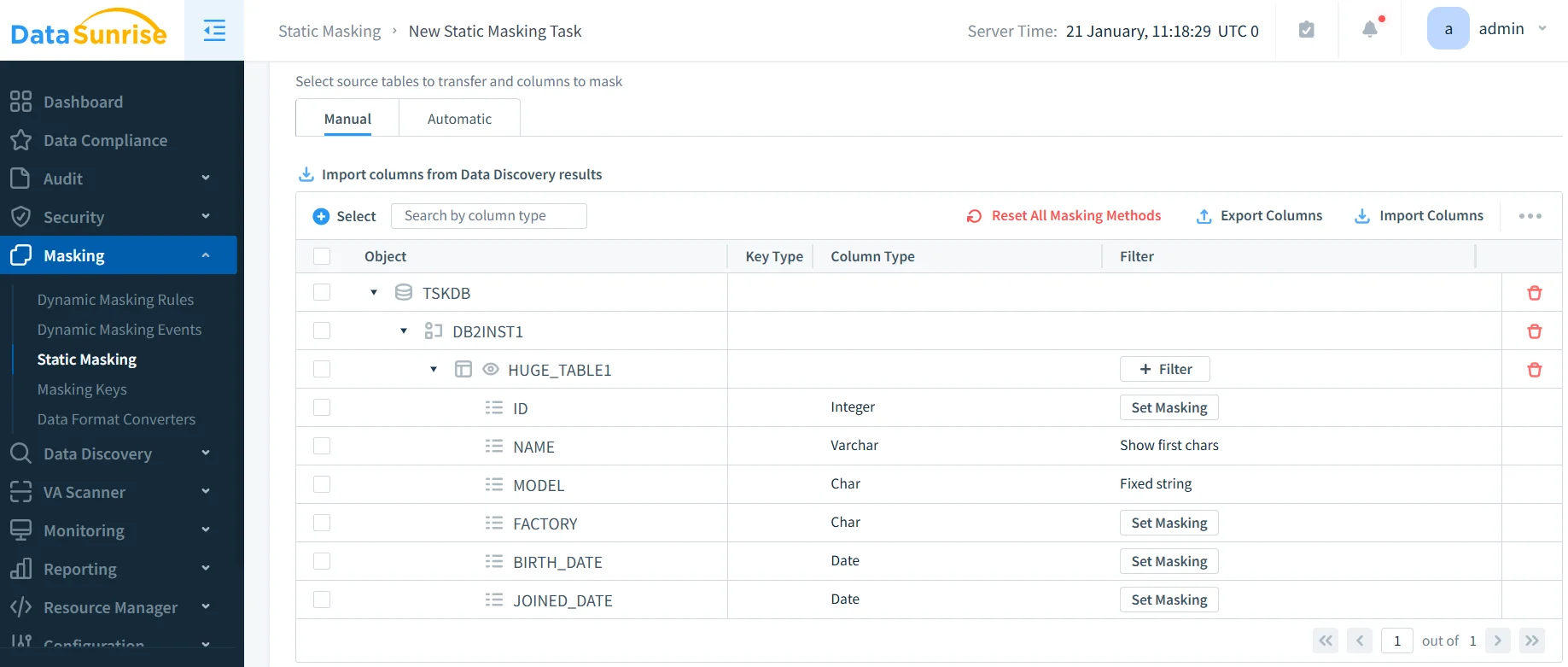
4. Execute and Validate: DataSunrise handles validation, parallel processing, and verification automatically.
5. Generate Reports: Automated compliance documentation for regulatory requirements.
Best Practices for Static Masking in CockroachDB
| Practice Area | Recommendations |
|---|---|
| Data Classification | Use DataSunrise's Auto-Discover rather than manual identification Map discovered data to compliance regulations (GDPR, HIPAA, PCI DSS, SOX) Include business-specific sensitive data definitions |
| Environment-Specific Policies | Apply comprehensive masking for development environments Maintain consistent rules across test instances Create specialized policies for analytics platforms Define strict masking for third-party access controls |
| Performance Optimization | Leverage parallel processing across cluster nodes Implement incremental masking for large databases Schedule operations during low-traffic periods |
| Compliance and Documentation | Enable comprehensive audit logging for all operations Maintain versioned masking policies Generate automated compliance reports Integrate masking into CI/CD pipelines |
Conclusion
As organizations adopt CockroachDB for distributed SQL workloads, implementing robust static masking has become essential for protecting sensitive data in non-production environments. While native SQL approaches provide basic capabilities, they require extensive manual effort and lack comprehensive automation.
DataSunrise transforms this challenge through Zero-Touch Data Masking combining Auto-Discover capabilities, No-Code Policy Automation, and Surgical Precision Masking. With flexible deployment modes supporting cloud, on-premises, and hybrid environments, DataSunrise provides comprehensive protection that satisfies regulatory requirements while dramatically reducing implementation complexity.
Protect Your Data with DataSunrise
Secure your data across every layer with DataSunrise. Detect threats in real time with Activity Monitoring, Data Masking, and Database Firewall. Enforce Data Compliance, discover sensitive data, and protect workloads across 50+ supported cloud, on-prem, and AI system data source integrations.
Start protecting your critical data today
Request a Demo Download Now