MongoDB Database Activity History

Tracking MongoDB Database Activity History is essential for understanding who accessed your data, what changes occurred, and when. This visibility supports security, operational oversight, and compliance with standards like PCI DSS, HIPAA, and GDPR. Combining native MongoDB auditing with DataSunrise Data Audit provides a comprehensive, real-time view of database interactions and strengthens your overall security posture.
Why Activity History Matters
A well-implemented MongoDB activity history enables early detection of abnormal queries, supports forensic investigations, enforces security policies, and applies dynamic data masking to sensitive information. Beyond compliance, it also serves as a valuable tool for performance tuning and operational diagnostics, helping teams trace problematic queries or inefficient data access patterns. For regulated industries, activity history is not optional—it is a mandatory requirement that ensures accountability and enables rapid incident response.
Native MongoDB Audit in Enterprise Edition
The native auditing feature is available only in MongoDB Enterprise Edition. It allows you to record database events to a file, syslog, or JSON output, capturing authentication attempts, CRUD operations, and schema changes. Selective filtering is supported to reduce performance impact by targeting specific events.
To configure auditing, edit the mongod.conf file. For example, to log authentication events, collection creation or deletion, and updates:
auditLog:
  destination: file
  format: JSON
  path: /var/log/mongodb/audit.json
  filter: '{ atype: { $in: ["authenticate", "createCollection", "dropCollection", "update", "insert"] } }'
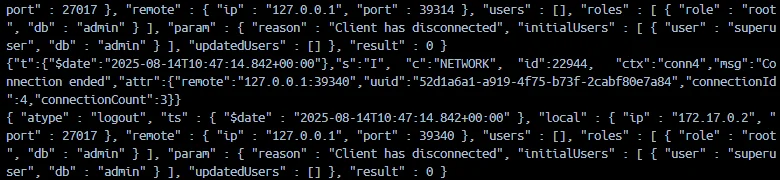
Restart the mongod service for changes to take effect. You can then review logs with:
cat /var/log/mongodb/audit.json | jq '.timestamp, .atype, .param'
Role-based filters can be applied to capture only privileged account activity. This focused approach helps reduce log noise while keeping critical visibility. Full setup instructions and advanced configuration options are documented in the MongoDB Audit Log Documentation and Audit Filters Reference.
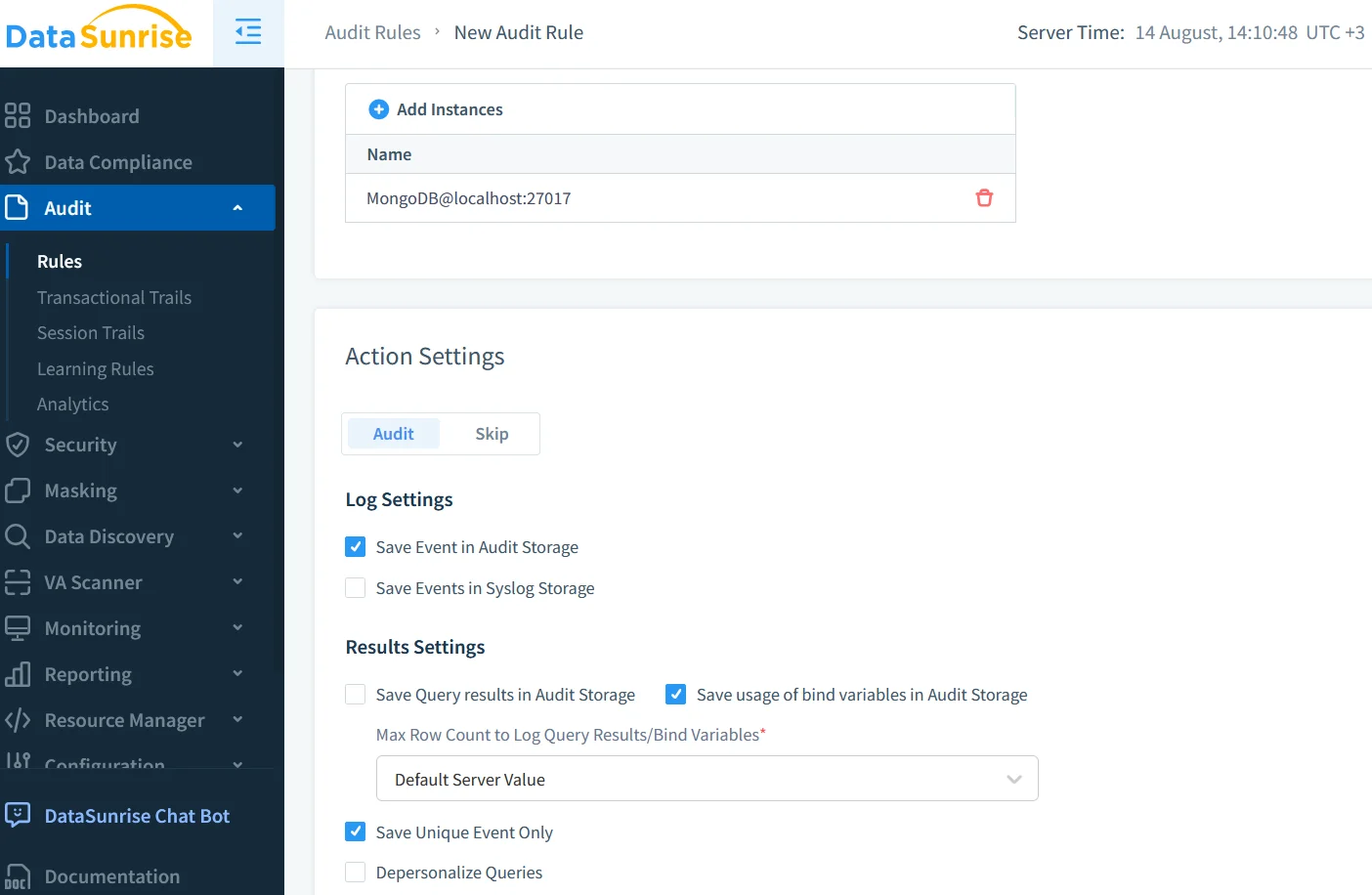
Real-Time Audit with DataSunrise
While native logs in Enterprise Edition are powerful, they are generally reviewed after events occur. DataSunrise Database Activity Monitoring captures queries in real time, enriches them with metadata like client IP and application name, and enables immediate alerting for suspicious behavior. It also allows role-based masking of sensitive data without modifying database code, and its compliance dashboards provide an up-to-date view of regulatory adherence.
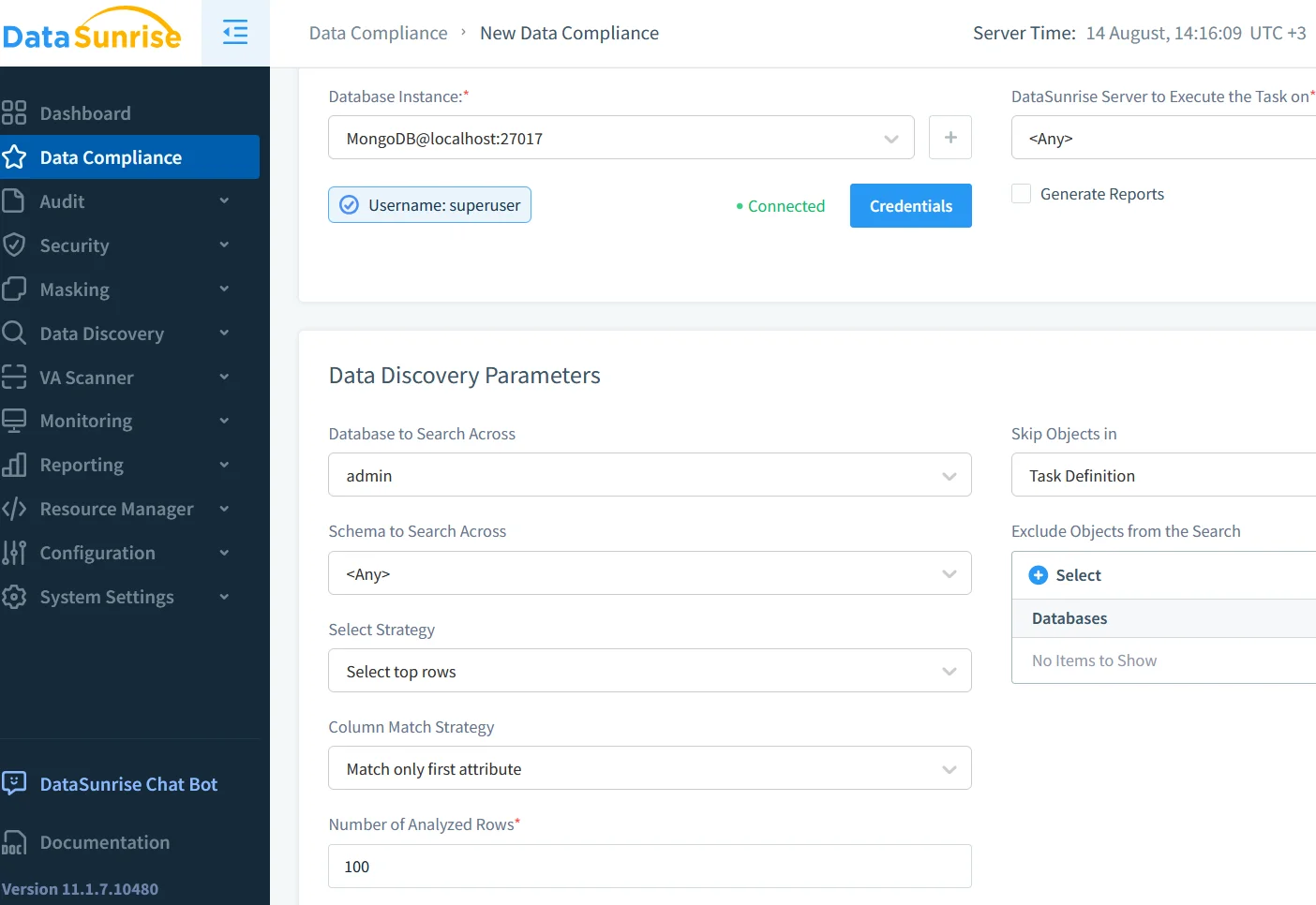
Data Discovery for Compliance
Before building audit rules, you must identify sensitive fields. Data Discovery scans MongoDB collections for patterns such as credit card numbers, Social Security numbers, and other PII. This mapping ensures that masking and auditing cover all high-value data.
Security and Threat Detection
MongoDB’s SCRAM authentication, RBAC, and TLS provide a strong baseline, but they lack advanced anomaly detection. DataSunrise security rules add this capability, spotting threats such as NoSQL injection attempts or large-scale data exports. Rules can trigger automated blocking or masking in real time, reducing the risk of data breaches.
Combining Native Audit and DataSunrise
In MongoDB Enterprise, the native audit log records this change in audit.json with user, timestamp, and query details. DataSunrise, working in parallel, sends an instant alert, masks the creditLimit field for unauthorized viewers, and stores enriched log entries with context such as originating IP address and application name. This creates a dual layer of security—historical traceability plus active protection.
Compliance-Ready Reporting
Meeting PCI DSS or HIPAA requirements involves producing auditable, regulation-specific reports. DataSunrise’s Compliance Manager automates report generation, schedules delivery, and ensures that your MongoDB Database Activity History remains ready for inspections at any time.
Best Practices for MongoDB Auditing
Audit only the events necessary to meet your compliance and security goals to avoid performance degradation. Apply role-based filters to concentrate on sensitive actions, and routinely review and archive logs to identify trends. Integrating audit logs with a SIEM enhances security monitoring. Periodic testing of your configuration ensures continued coverage as your environment changes. For detailed recommendations, consult the MongoDB Security Checklist and MongoDB’s guidance on audit performance tuning.
Conclusion
Managing MongoDB Database Activity History in Enterprise Edition means leveraging native auditing for complete event capture while using DataSunrise for real-time monitoring, masking, and compliance automation. This combination transforms raw logs into actionable insights, enabling organizations to meet today’s regulatory requirements and prepare for tomorrow’s security challenges.
Protect Your Data with DataSunrise
Secure your data across every layer with DataSunrise. Detect threats in real time with Activity Monitoring, Data Masking, and Database Firewall. Enforce Data Compliance, discover sensitive data, and protect workloads across 50+ supported cloud, on-prem, and AI system data source integrations.
Start protecting your critical data today
Request a Demo Download Now