ClickHouse Data Activity History
ClickHouse is engineered for high-volume analytical workloads, streaming ingestion, and massively parallel execution. That speed comes with one significant challenge: transparency. A distributed engine this fast produces activity signals across multiple system tables and logs, each capturing only a fragment of the total story.
Organizations subject to GDPR, HIPAA, PCI DSS, SOX, and similar frameworks require complete, correlated data activity history—not just isolated log fragments. Native ClickHouse telemetry provides useful insights but lacks the unified, compliance-ready visibility required for enterprise governance. For full accountability and forensic clarity, organizations need centralized, enriched, real-time activity tracking. This aligns with broader data audit practices and is where DataSunrise extends ClickHouse beyond its native capabilities.
Importance of Data Activity History
Data activity history is more than a diagnostic tool—it forms the backbone of governance, compliance, and security in modern data infrastructures. As covered in audit trails, consistent activity history ensures that sensitive operations can be verified and challenged when necessary.
Accurate and comprehensive activity history allows organizations to:
- Prove accountability through immutable records of all data access and changes, supporting principles described in data security.
- Reconstruct security incidents across distributed ClickHouse nodes, similar to approaches used in database activity monitoring.
- Identify suspicious behavior early, including privilege misuse or abnormal query patterns—core concepts behind threat detection.
- Maintain compliance with regulations that mandate auditable access tracking, aided by frameworks explained in data compliance regulations.
- Optimize operations, performance, and workload strategy while following best practices outlined in database performance for audit storage.
ClickHouse’s distributed design increases this importance. Queries may run across multiple nodes, merges occur asynchronously, and background processes modify storage continuously. Without a unified, contextualized history, teams cannot form a complete picture of user activity and data impact.
A modern compliance program depends on the ability to answer:
who did what, when, where, and why — a requirement echoed across all major regulations including SOX compliance.
ClickHouse provides fragments; DataSunrise creates the narrative.
Native ClickHouse Data Activity History
ClickHouse records activity in several system tables and log sources. Each captures a portion of the execution lifecycle, but together they form the raw material for enterprise-grade monitoring and access control validation.
1. Query Execution History (system.query_log)
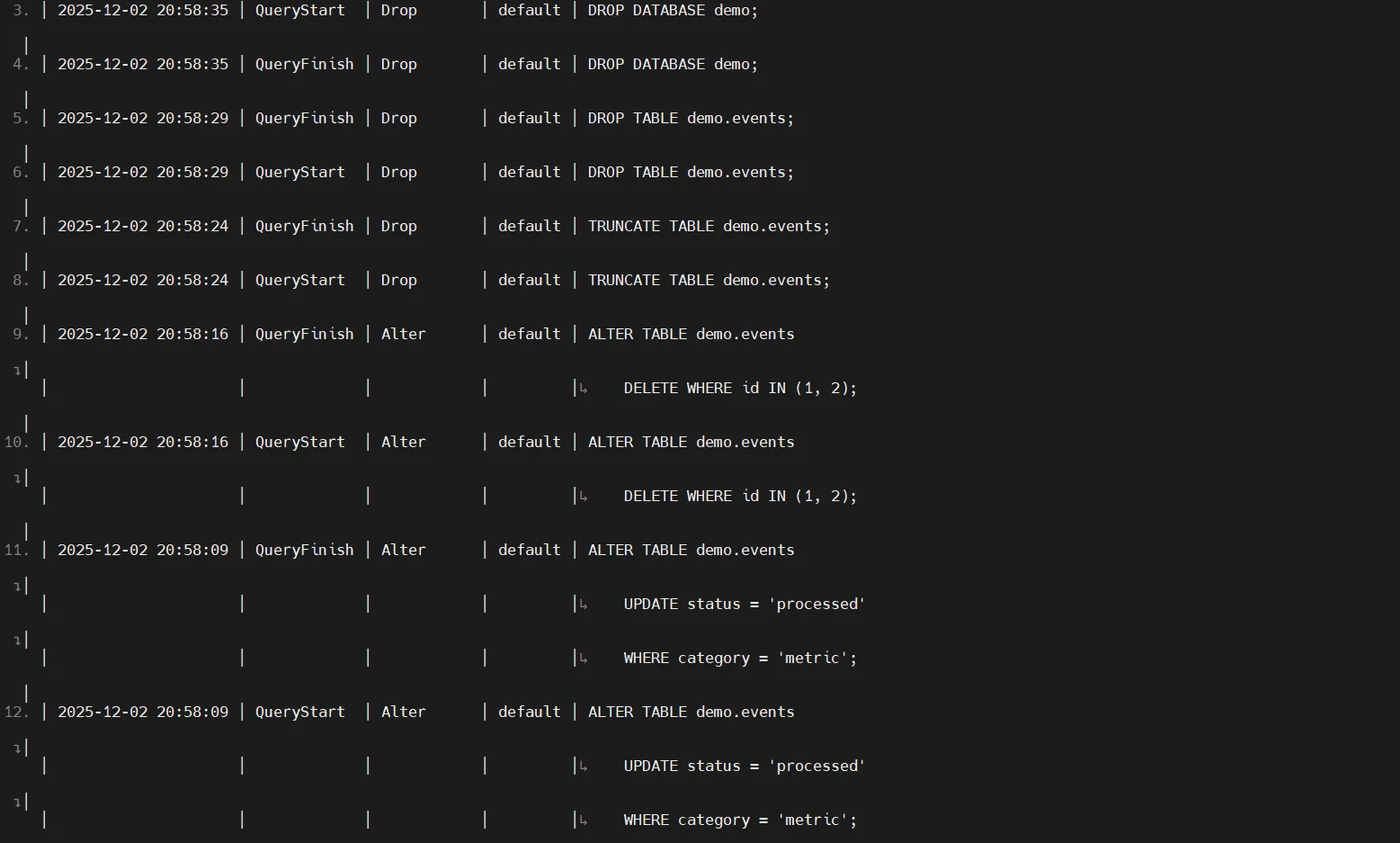
system.query_log stores user-level query execution data and remains the primary source of insight into what queries were executed and how they behaved. It is essential for identifying misuse of sensitive objects, such as tables defined under personal data categories, and for tracking workload anomalies.
It includes:
- Query text
- User identity
- Execution times
- Performance and memory metrics
- Touched databases and tables
Example:
SELECT event_time, query, user, databases, tables
FROM system.query_log
WHERE type = 'QueryFinish'
ORDER BY event_time DESC;
2. Mutation & DDL Events (system.part_log, system.query_thread_log)
ClickHouse manages data storage through continuous merges, mutations, and background operations. These structural events are critical for understanding deeper changes in sensitive datasets and ensuring consistency with role-based access control policies.
Part-level activity:
SELECT event_type, table, part_name, rows
FROM system.part_log
ORDER BY event_time DESC;
Thread-level execution:
SELECT event_time, thread_id, query_id, read_rows, read_bytes
FROM system.query_thread_log
WHERE event_time > now() - INTERVAL 1 HOUR;
3. Access Control & Authorization History
RBAC-related failures surface in system.query_log and in server logs. Monitoring authorization failures is crucial for enforcing principles described in policies of least privilege.
ClickHouse does not provide a single dedicated authorization audit table, making correlation difficult without external tools.
Example query to surface failed access attempts:
SELECT event_time, user, query, exception
FROM system.query_log
WHERE exception LIKE '%Access denied%';
Example log snippet:
2024.11.03 12:44:55.212345 [ 42 ] {} <Warning> Access: Not enough privileges. User 'app_user' attempted SELECT on db.secure_table.
4. Server Activity Logs
Server logs capture operational metadata — replication, merges, distributed synchronization, and failures. These logs expose operational health but lack direct links back to user actions unless correlated through an external monitoring layer such as a database firewall.
Example merge-log excerpt:
2024.11.03 13:22:01.551923 [ 76 ] <Debug> MergeTree: Merging parts part_1_3_1 and part_4_6_1 in table db.table (1.2 GB)
Example replication message:
2024.11.03 13:25:44.998102 [ 88 ] <Information> Replication: Queue entry committed for table db.table (znode updated)
DataSunrise for ClickHouse: Unified Data Activity History
DataSunrise enhances ClickHouse by transforming fragmented logs into a centralized, correlated, enriched activity history suitable for enterprise audit, governance, and security operations. This complements its broader capabilities such as data discovery and masking.
1. Centralized Data Activity Monitoring
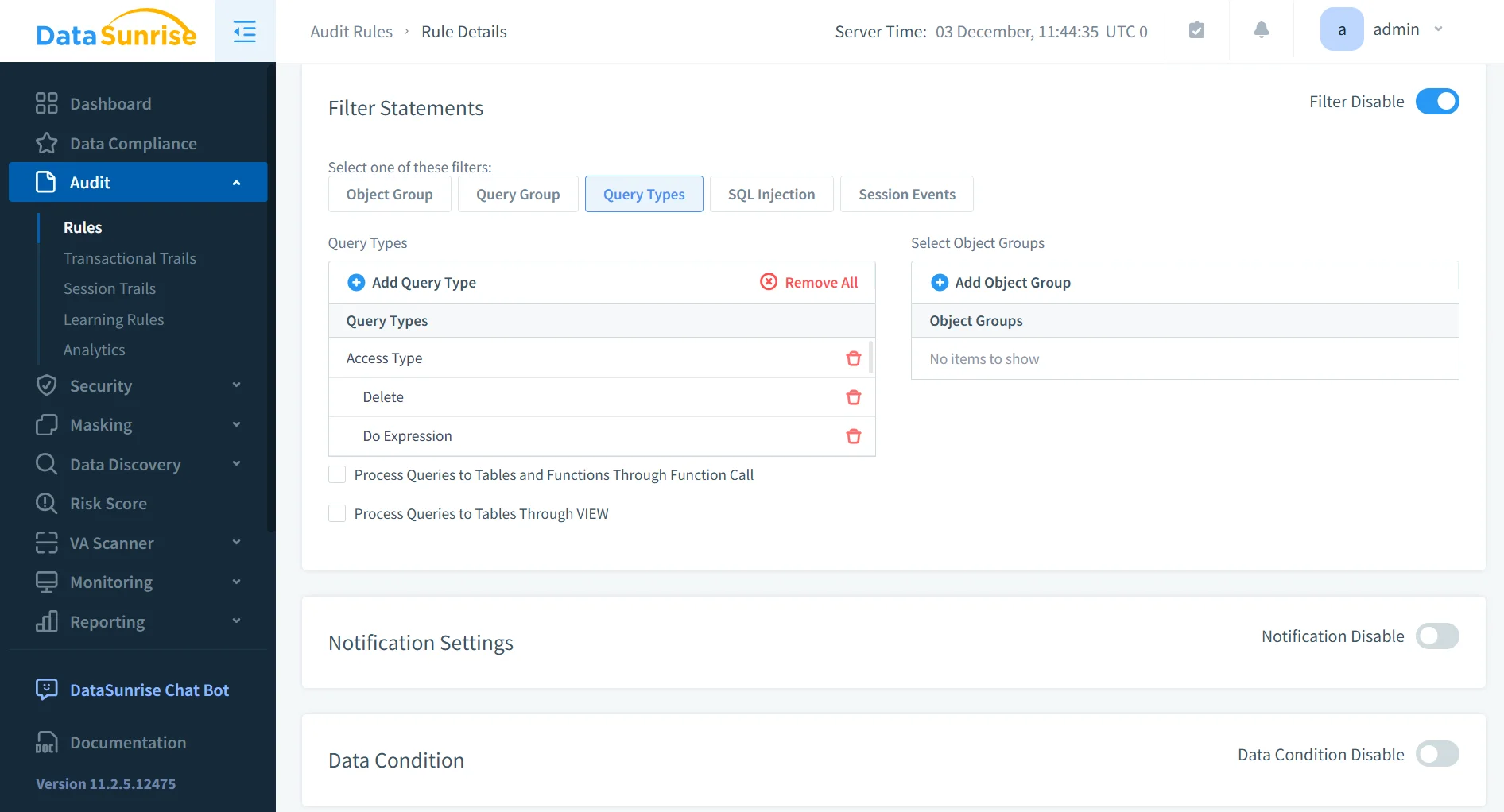
DataSunrise unifies ClickHouse logs, session details, and system signals into a correlated timeline, enabling complete visibility consistent with learning rules and audit.
Reference: Database Activity Monitoring
Additional details (as requested):
- Provides real-time visibility across distributed ClickHouse clusters.
- Correlates system events with query origins and user identity.
- Detects anomalies by comparing current activity with historical behavior.
- Reduces manual investigation time by centralizing all ClickHouse actions.
2. Enriched ClickHouse Activity History
DataSunrise enriches ClickHouse logs with actor identity, risk scoring, and sensitivity mapping, supporting workflows similar to those described in report generation.
References:
Data Activity History
Database Activity History
Additional details:
- Highlights which users accessed sensitive or regulated columns.
- Adds contextual tagging for PII, PHI, and financial datasets.
- Tracks how each query impacts storage structures and metadata.
- Produces enriched audit objects suitable for long-term retention.
3. Intelligent Event Correlation & Behavior Analytics
DataSunrise integrates behavior analytics to identify unusual patterns and insider risks.
Reference: Behavior Analytics
Additional details:
- Detects deviations from established user baselines.
- Flags excessive data extraction or repetitive query loops.
- Identifies privilege escalation attempts and role misuse.
- Helps differentiate between legitimate workloads and threat activity.
4. Security Enforcement Layer
DataSunrise actively blocks dangerous queries, enforces policies, and prevents misuse of sensitive data.
References:
Security Rules
Data Security
Database Firewall
Additional details:
- Applies real-time inspection to all incoming SQL traffic.
- Prevents SQL injection, exfiltration queries, and malformed requests.
- Applies masking rules dynamically based on user roles.
- Ensures blocked actions are logged for audit review.
5. Automated Compliance & Reporting
DataSunrise transforms raw ClickHouse telemetry into structured evidence suitable for globally recognized standards.
References:
Data Compliance
Compliance Manager
Additional details:
- Generates periodic compliance reports automatically.
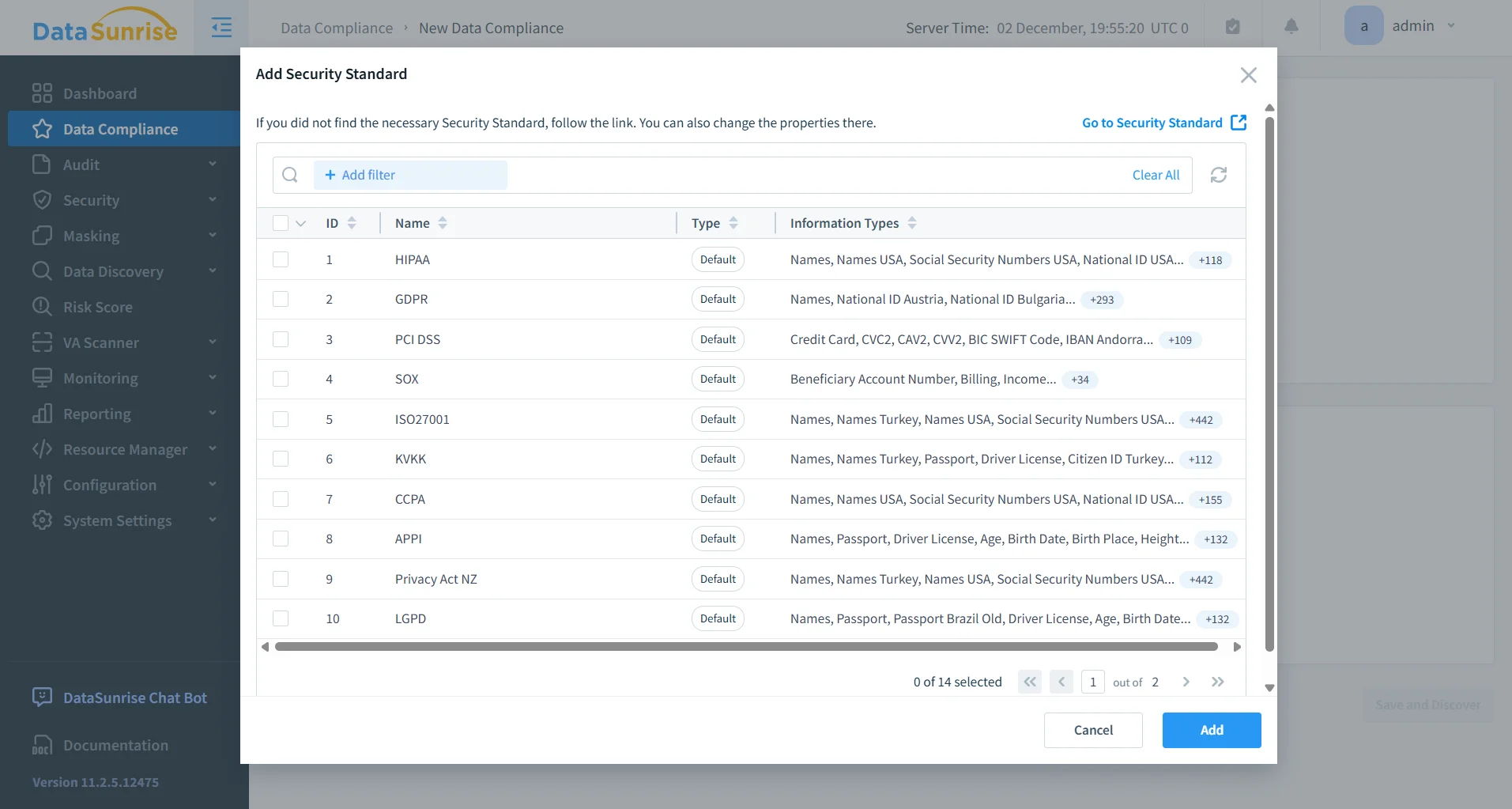
- Maps activity history to regulatory frameworks (GDPR, HIPAA, SOX).
- Stores audit data securely with tamper-resistant retention.
- Enables auditors to trace sensitive operations without manual reconstruction.
Business Impact
Unified View and Operational Value
| Benefit | Description |
|---|---|
| Holistic Visibility | A fully reconstructed timeline covering every user and every query. |
| Improved Security Posture | Behavior analytics and real-time protection reduce incident risk. |
Compliance & Governance Efficiency
| Benefit | Description |
|---|---|
| Regulatory Compliance | Structured audit trails and compliance-ready reporting aligned with major frameworks. |
| Consistent Governance Across Platforms | DataSunrise supports 40+ databases, ensuring standardized enterprise-level governance. |
Operational Cost Reduction
| Benefit | Description |
|---|---|
| Reduced Operational Burden | Eliminates the need for custom scripts, manual log stitching, and normalization. |
Conclusion
ClickHouse delivers exceptional analytical performance but scatters its activity metadata across multiple system tables and logs. These sources are powerful individually but incomplete in isolation. DataSunrise consolidates, enriches, and secures this telemetry to deliver a centralized, contextualized, compliance-ready activity history across operational, analytical, and regulatory needs.
Protect Your Data with DataSunrise
Secure your data across every layer with DataSunrise. Detect threats in real time with Activity Monitoring, Data Masking, and Database Firewall. Enforce Data Compliance, discover sensitive data, and protect workloads across 50+ supported cloud, on-prem, and AI system data source integrations.
Start protecting your critical data today
Request a Demo Download Now