
Effortless Data Compliance for MariaDB

As organizations expand their use of MariaDB, ensuring compliance across diverse data environments becomes increasingly complex. Meeting frameworks like GDPR, HIPAA, and PCI DSS requires continuous monitoring, secure data handling, and audit-ready reporting.
While MariaDB Database offers native features for encryption, logging, and role-based access control, these tools often demand manual oversight. This article explores native MariaDB compliance capabilities, their limitations, and how DataSunrise Compliance Manager provides effortless, automated alignment with global regulations.
What is Data Compliance?
Data compliance refers to the set of practices, technologies, and policies that ensure sensitive information is stored, accessed, and processed according to regulatory requirements. In the case of MariaDB, this involves applying security controls, maintaining accurate audit trails, and enforcing data security policies consistently across instances.
Compliance frameworks like ISO/IEC 27001 and NIST Cybersecurity Framework guide organizations in building structured approaches to risk reduction. By aligning with these standards, businesses not only meet legal obligations but also strengthen customer trust and reduce exposure to threats.
For additional details, see Compliance Regulations.
Native MariaDB Compliance Features
1. Audit and Logging
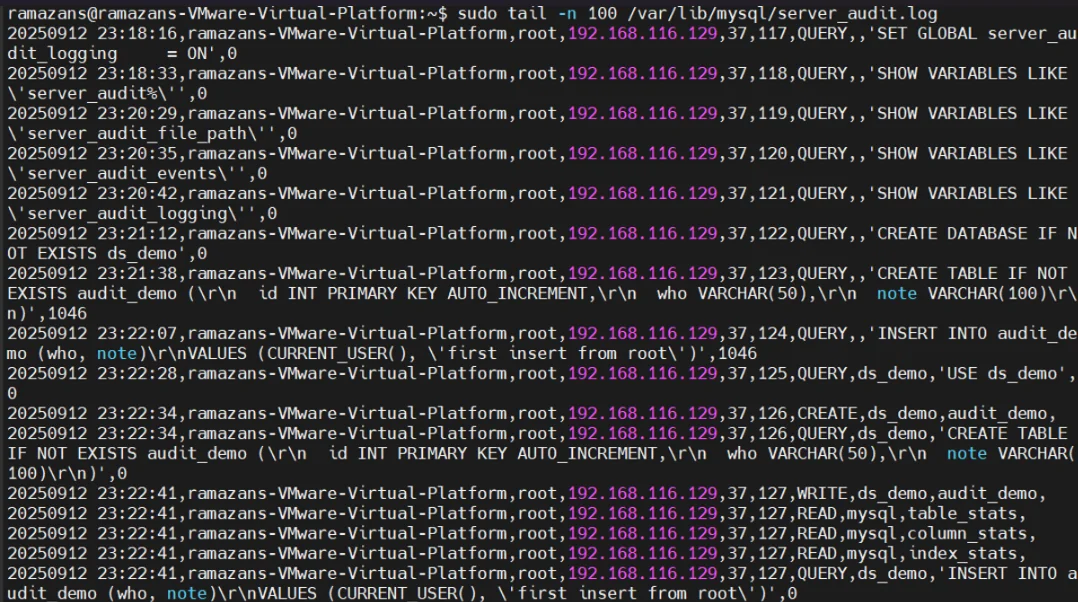
MariaDB supports plugins like server_audit for activity logging. Administrators can capture login attempts, query execution, and schema modifications, helping track suspicious events.
-- Enable the server_audit plugin
INSTALL SONAME 'server_audit';

-- Configure logging destination
SET GLOBAL server_audit_logging = ON;
SET GLOBAL server_audit_output_type = 'FILE';

-- Define what to log: connections, queries, tables
SET GLOBAL server_audit_events = 'CONNECT,QUERY,TABLE';
For a deeper dive into logging, see Audit Logs.
2. Role-Based Access Controls
MariaDB implements role-based access control, assigning permissions at user and role levels. This ensures users only access data required for their responsibilities.
-- Create a role for read-only users
CREATE ROLE readonly_role;

-- Grant SELECT privileges on a schema
GRANT SELECT ON my_database.* TO readonly_role;

-- Assign the role to a user
GRANT readonly_role TO 'employee1'@'localhost';

-- Set role as default for the user
SET DEFAULT ROLE readonly_role TO 'employee1'@'localhost';
See also Access Controls.
3. Data Encryption
MariaDB provides encryption at rest and TLS for in-transit protection. This secures sensitive fields such as financial records or patient data.
-- Enable InnoDB table encryption globally
SET GLOBAL innodb_encrypt_tables = ON;

-- Encrypt redo logs and undo logs
SET GLOBAL innodb_redo_log_encrypt = ON;
SET GLOBAL innodb_undo_log_encrypt = ON;

-- Create an encrypted table
CREATE TABLE sensitive_data (
    id INT PRIMARY KEY,
    account_number VARCHAR(64) ENCRYPTED,
    balance DECIMAL(12,2)
) ENGINE=InnoDB ENCRYPTED=YES;
For more information, refer to Database Encryption.
Effortless Compliance with DataSunrise
Compliance Autopilot
DataSunrise introduces a Compliance Autopilot that adapts MariaDB to evolving regulations without constant administrator input. Instead of requiring manual script updates, the system automatically enforces rules when users, roles, or objects are created. Misconfigurations are identified instantly, and corrective actions are applied in the background. With predefined templates for SOX, HIPAA, PCI DSS, and GDPR, the setup process is accelerated, while report generation provides auditors with clear, ready-to-use evidence.
- Reduces human error by automating complex compliance checks.
- Continuously monitors regulatory alignment with minimal downtime.
- Ensures immediate remediation of detected policy drifts.
- Simplifies onboarding of new databases into compliance frameworks.
Learn more about automated compliance reporting.
Centralized Monitoring
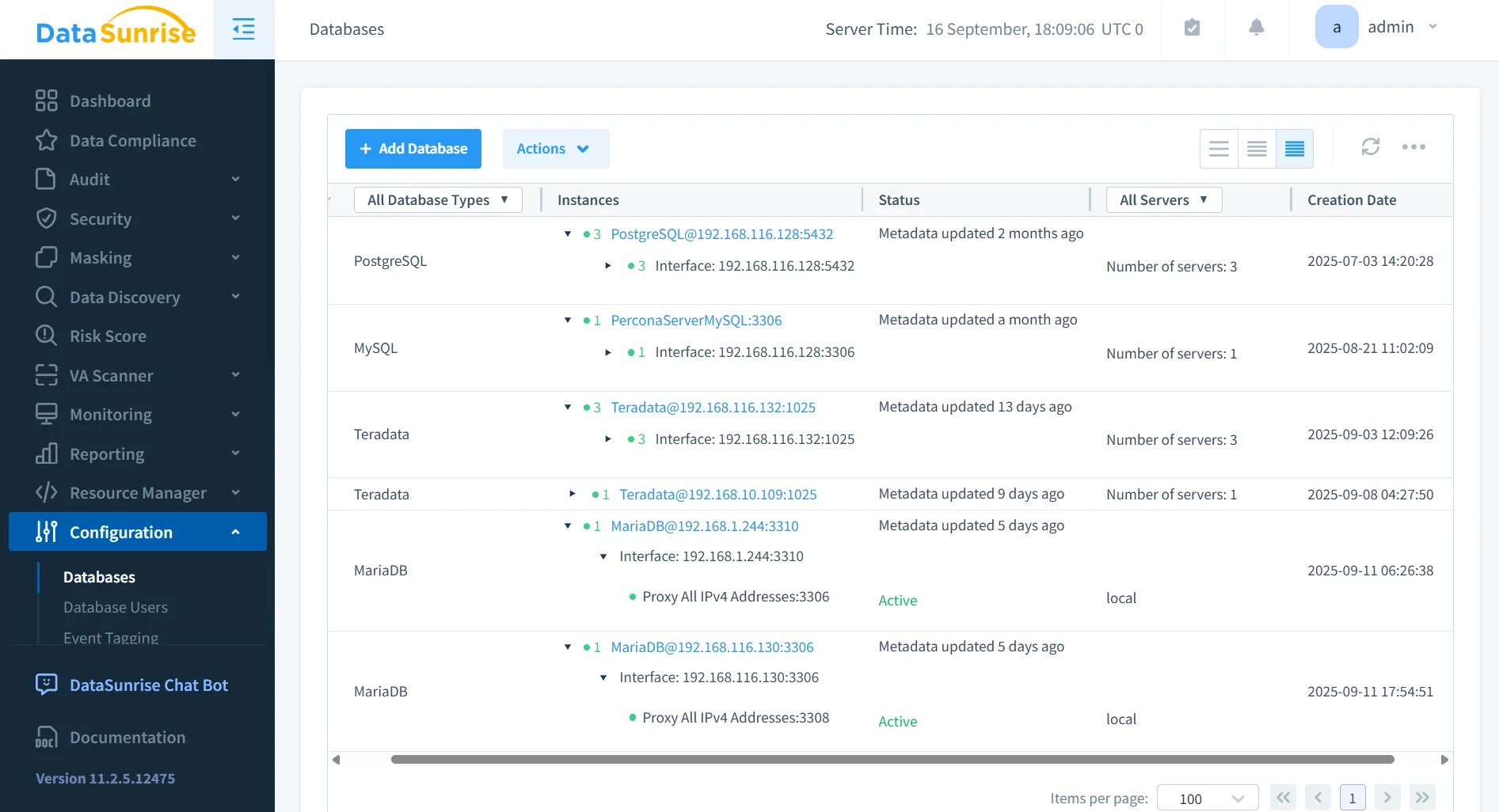
Rather than viewing each MariaDB instance separately, DataSunrise consolidates oversight into a single pane of glass. Administrators gain unified database activity monitoring across 40+ supported systems, enabling consistent enforcement of rules. Consolidated audit logs help reduce review times, while real-time notifications through Slack, Teams, or email ensure teams can act on incidents immediately.
This approach aligns with best practices in Database Activity History.
Advanced Security Features
In addition to compliance, DataSunrise fortifies MariaDB against active threats. A database firewall intercepts and blocks malicious queries, including SQL injection attempts. Dynamic data masking ensures sensitive fields remain hidden based on user privileges, while user behavior analytics reveal anomalies that could indicate insider threats. Together, these tools create a layered defense that goes beyond audit requirements.
- Detects and prevents SQL injection attempts in real time.
- Masks personal and financial data without changing underlying structures.
- Analyzes behavioral patterns to highlight unusual database activity.
- Provides proactive defense against insider misuse or compromised accounts.
For a broader view, see Security Threats.
Automated Compliance Reporting
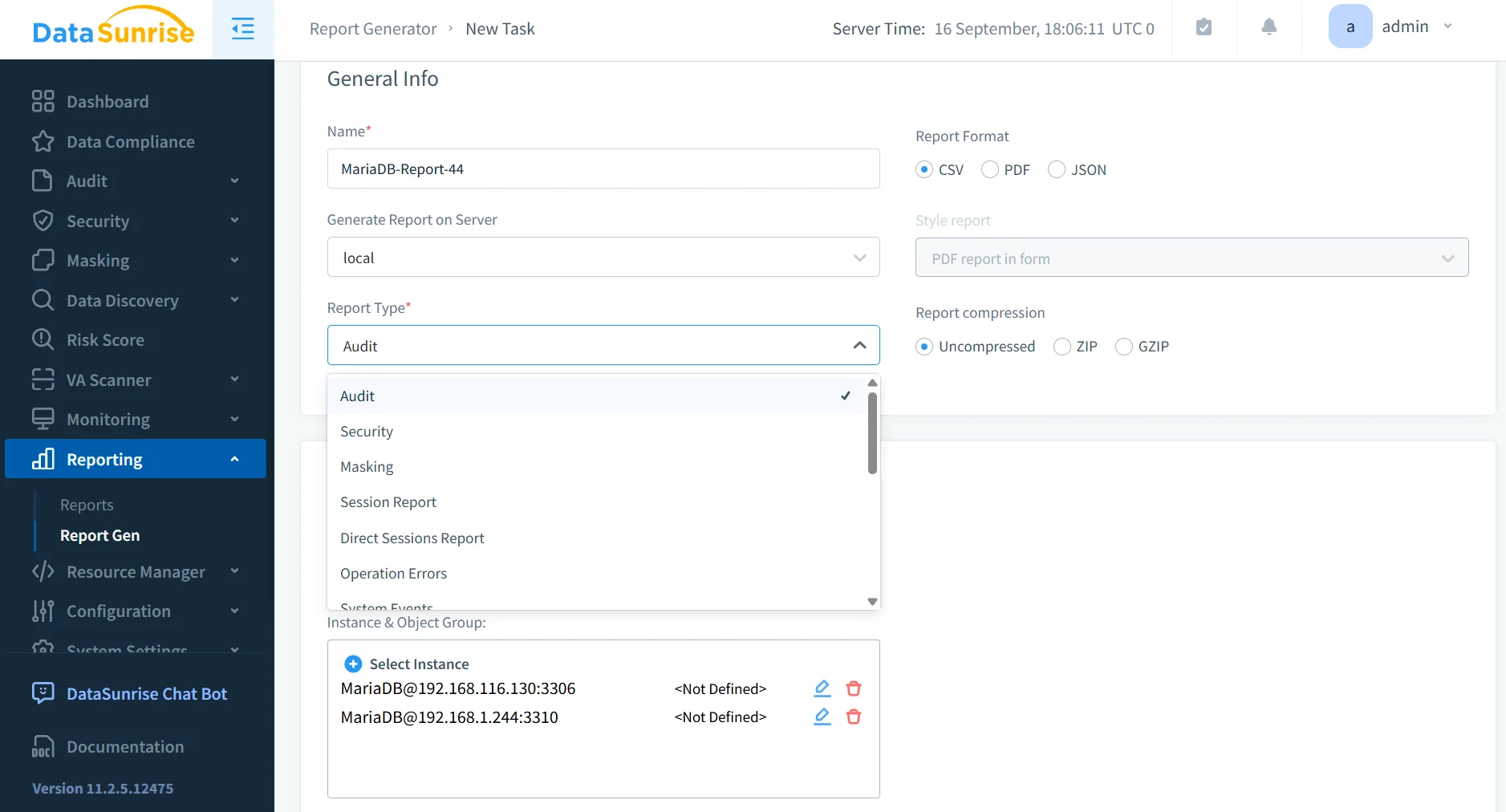
To reduce administrative overhead, DataSunrise provides fully automated compliance reporting. Reports can be scheduled and exported for GDPR, HIPAA, PCI DSS, SOX, or internal controls. This feature not only eliminates repetitive tasks but also ensures that organizations remain always audit-ready with continuously updated documentation.
Explore more in Report Generation.
Comparison Table
| Feature | Native MariaDB Tools | DataSunrise Compliance Manager |
|---|---|---|
| Audit & Logging | Basic server_audit plugin; manual log review | Advanced audit rules with centralized storage and filtering |
| Access Control | Role-based permissions only | Fine-grained access policies with dynamic enforcement |
| Encryption | Supports encryption at rest and in transit | Adds masking and context-aware protection |
| Monitoring | Separate per-instance configuration | Unified cross-database monitoring from one console |
| Alerts | Limited to logs | Real-time notifications via Slack, Teams, or email |
| Compliance Alignment | No templates for frameworks | Predefined templates for GDPR, HIPAA, PCI DSS, SOX |
| Reporting | Manual export and formatting | Automated compliance reporting with scheduling |
Conclusion
Native MariaDB tools form a foundation for compliance but lack automation, centralization, and proactive threat prevention. By integrating DataSunrise, organizations gain effortless compliance management—spanning discovery, auditing, masking, reporting, and real-time defense—while reducing overhead and risk.
Protect Your Data with DataSunrise
Secure your data across every layer with DataSunrise. Detect threats in real time with Activity Monitoring, Data Masking, and Database Firewall. Enforce Data Compliance, discover sensitive data, and protect workloads across 50+ supported cloud, on-prem, and AI system data source integrations.
Start protecting your critical data today
Request a Demo Download Now