How to Apply Data Governance for ScyllaDB
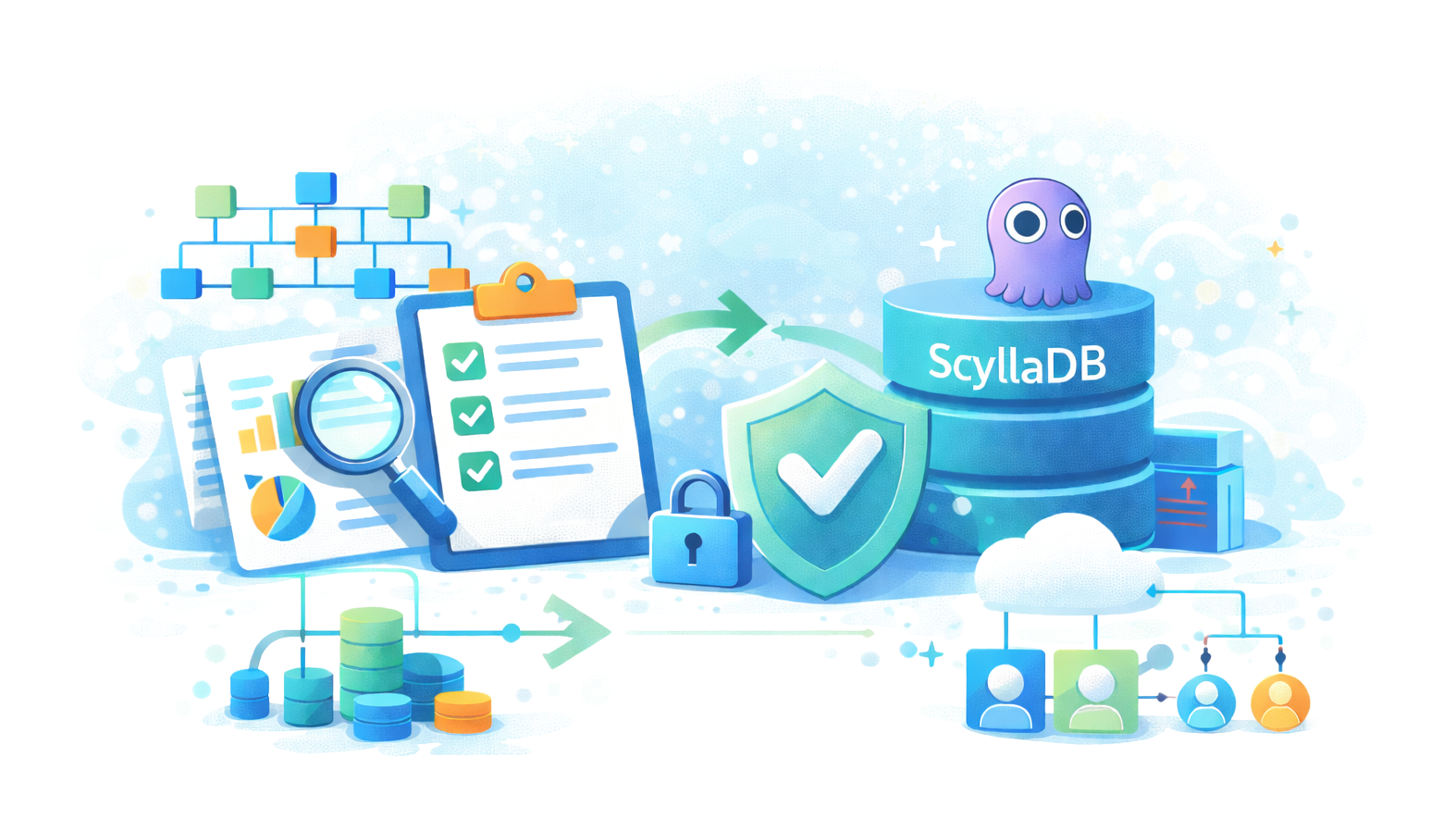
ScyllaDB is known for high performance and low latency at scale, powering workloads across finance, healthcare, and e-commerce. However, regulatory frameworks like GDPR, HIPAA, PCI DSS, and SOX demand more than speed—they require reliable governance of sensitive data.
This article explores ScyllaDB’s native governance features and shows how DataSunrise extends them into a complete, audit-ready framework.
What is Data Governance?
Data governance is the practice of managing how information is accessed, protected, and used within an organization. It ensures that data remains accurate, secure, and compliant with internal policies and external regulations.
Key elements of data governance include:
- Access Control: Defining who can view or modify sensitive information.
- Data Integrity: Ensuring records are reliable, consistent, and trustworthy across systems.
- Auditability: Maintaining a verifiable record of user actions and data changes.
- Compliance Alignment: Mapping governance policies to frameworks such as GDPR, HIPAA, PCI DSS, and SOX.
When applied to databases like ScyllaDB, governance means configuring permissions, monitoring activity, securing sensitive fields, and generating evidence for auditors. Without structured governance, organizations face compliance gaps, security risks, and operational inefficiencies.
Native ScyllaDB Governance Capabilities
1. Role-Based Access Control (RBAC)
RBAC ensures users only access what they are authorized to. ScyllaDB lets administrators create roles and assign them privileges at the keyspace or table level. This prevents overexposure of sensitive data and supports the principle of least privilege.
Example: Creating and assigning a role
-- Create a role with login rights
CREATE ROLE analyst WITH LOGIN = true;

-- Grant read-only access to the sales keyspace
GRANT SELECT ON KEYSPACE sales TO analyst;
Administrators can then assign this role to a user:
GRANT analyst TO john_doe;
This ensures the user john_doe can only query data in the sales keyspace and cannot modify records or access unrelated keyspaces.
2. Audit Logging
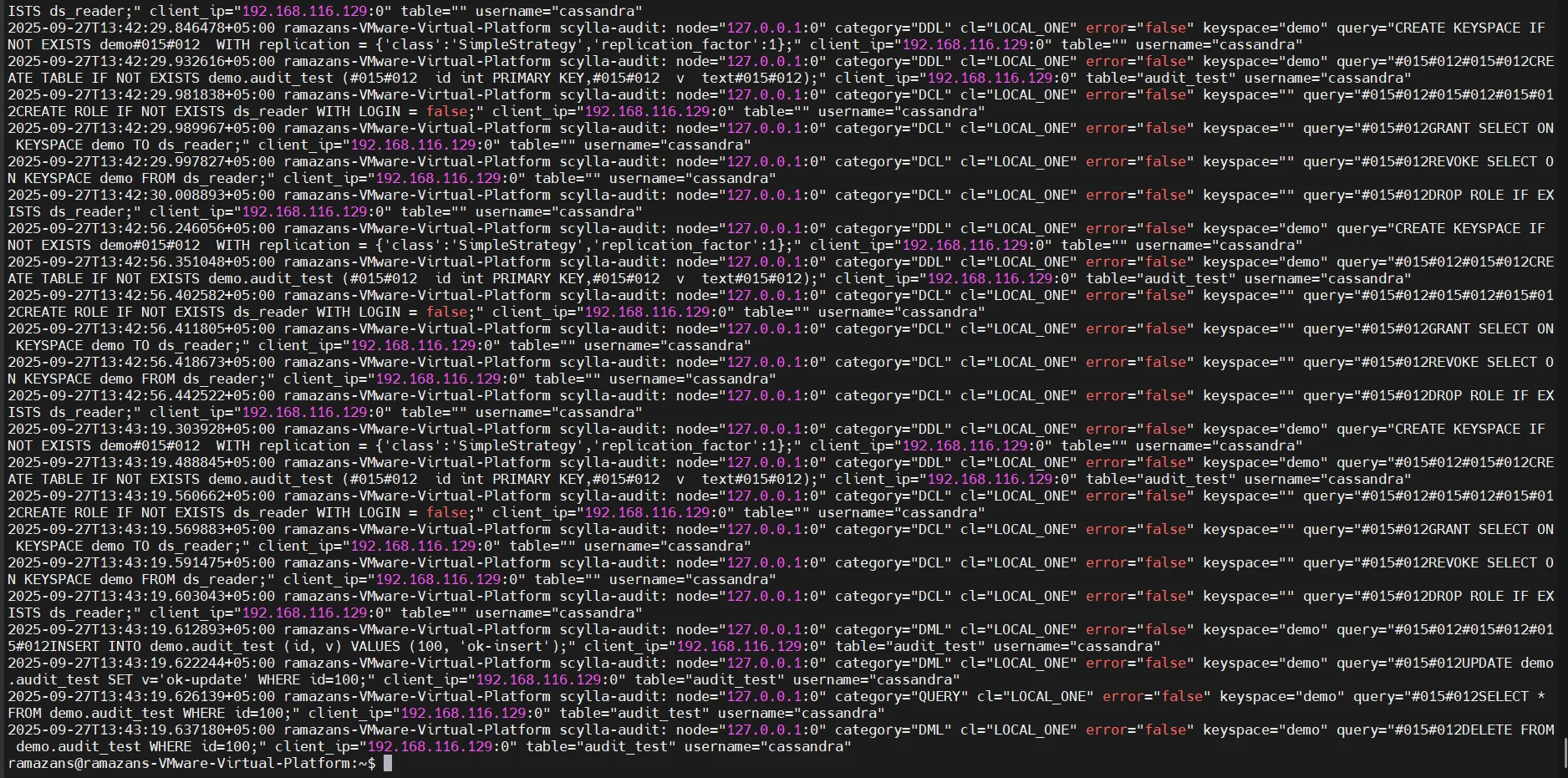
ScyllaDB’s audit logs record critical database actions such as queries, schema changes, and login attempts. This helps organizations maintain visibility into user behavior and detect suspicious activity.
Key details about audit logging in ScyllaDB:
- Logs are stored locally on each node.
- They capture queries, authentication attempts, and schema modifications.
- Filtering can be applied by user, keyspace, or operation type.
While useful, the distributed nature of the logs makes it difficult to review activity across the entire cluster without additional aggregation.
3. Encryption and Security
ScyllaDB supports multiple layers of encryption to protect data in motion and at rest. This is essential for compliance with regulations like HIPAA and PCI DSS, which require secure transmission and storage of sensitive information.
Example: Enabling client-to-node TLS
client_encryption_options:
    enabled: true
    optional: false
    keystore: conf/.keystore
    keystore_password: mySecurePassword
Example: Enabling encryption at rest with LUKS on Linux
# Create a LUKS encrypted partition for ScyllaDB data
cryptsetup luksFormat /dev/sdb
cryptsetup luksOpen /dev/sdb scylla_data
mkfs.ext4 /dev/mapper/scylla_data
mount /dev/mapper/scylla_data /var/lib/scylla
While these measures protect data channels and storage, they do not prevent sensitive information from being exposed in query results or audit logs. For that, dynamic data masking is needed.
4. Data Activity Tracking
ScyllaDB records read and write operations that administrators can review to understand workload patterns. This provides useful insight into how data is accessed, but the native system lacks real-time dashboards or advanced analytics.
Sample query to review system activity
-- View system-level table for client sessions
SELECT * FROM system_traces.sessions LIMIT 5;

-- Review events for a specific query UUID
SELECT * FROM system_traces.events WHERE session_id = <uuid>;
Administrators can trace queries and identify latency issues, but governance requires more structured monitoring. Without centralized dashboards, extracting actionable compliance data involves manual parsing.
Extending ScyllaDB Governance with DataSunrise
Centralized Monitoring
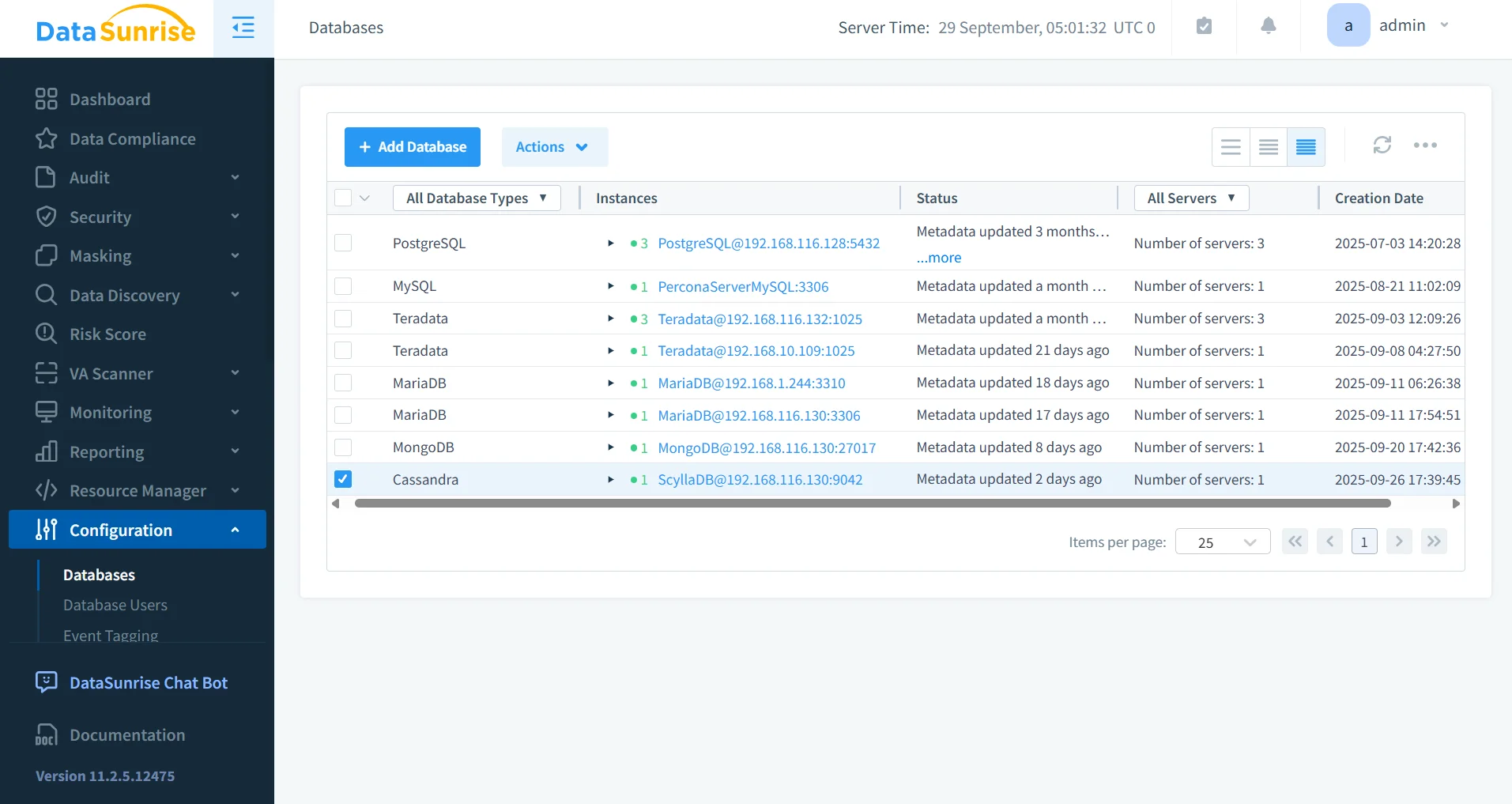
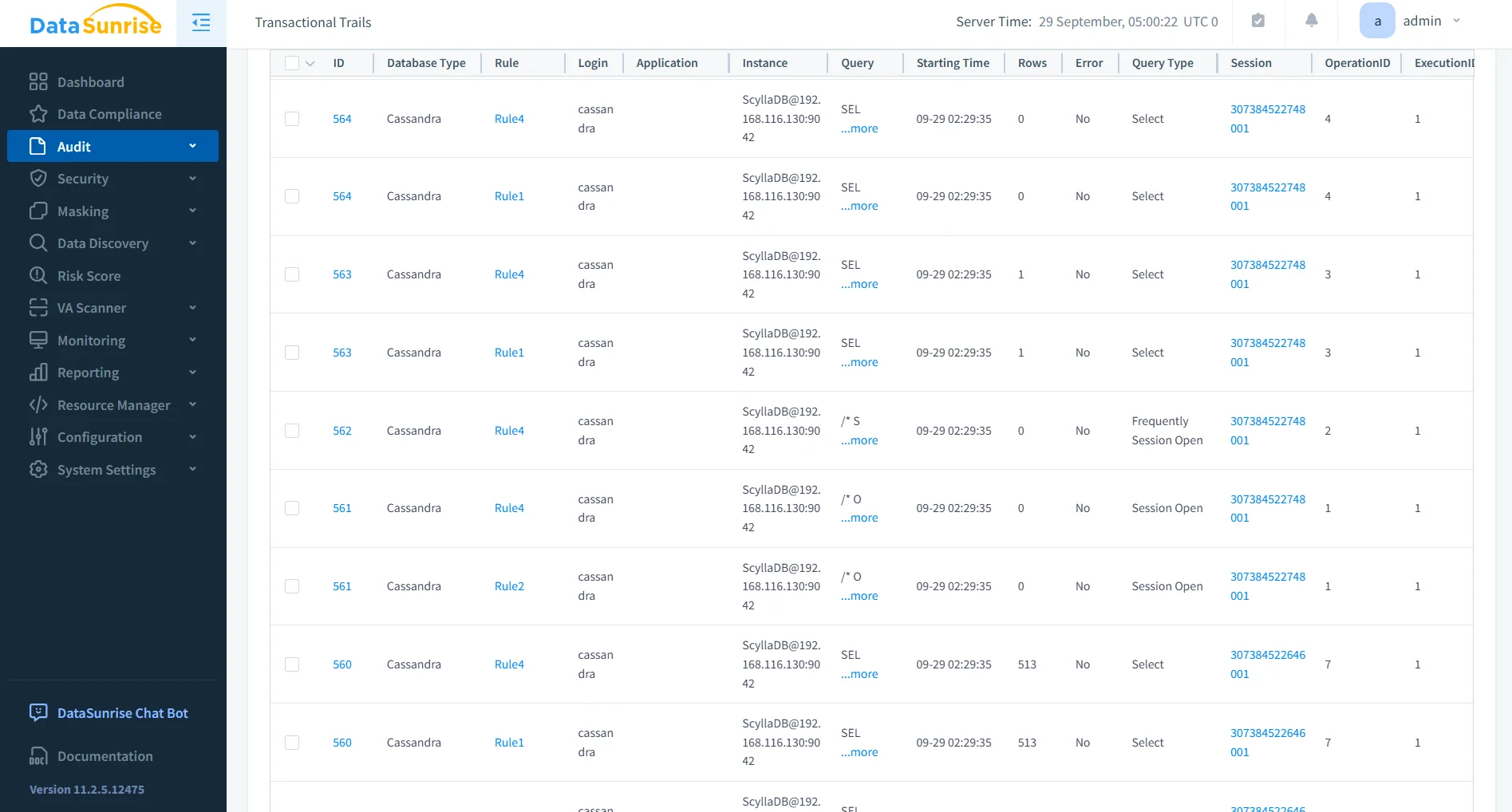
Unlike native node-local logs, DataSunrise provides centralized database activity monitoring across the entire ScyllaDB cluster. A unified dashboard lets administrators:
- Search and filter logs by user, table, or operation type.
- Retain long-term history for forensic or compliance purposes.
- Integrate with SIEM systems for enterprise-wide visibility.
This eliminates the complexity of aggregating node-level logs and gives compliance officers a single source of truth.
Granular Audit Rules
With DataSunrise, organizations can create highly customizable audit rules targeting specific keyspaces, tables, or even individual columns.
- Define rules to log only access to sensitive fields (e.g., personal identifiers or payment data).
- Schedule rules to run during peak compliance periods.
- Automatically generate alerts for unauthorized or unusual access.
This granular approach reduces noise in logs and ensures that only meaningful activity is tracked.
Dynamic Data Masking
DataSunrise provides real-time dynamic data masking, which replaces sensitive values with masked versions for unauthorized users.
- Apply role-based masking, ensuring analysts see only partial values while administrators retain full visibility.
- Mask data at query execution time, avoiding schema changes.
- Protect PII, PHI, and PCI data fields without modifying applications.
- Apply context-aware policies that adapt to user identity, query type, and regulatory framework.
- Combine masking with role-based access control for layered protection.
Dynamic masking helps organizations maintain compliance by preventing sensitive information from leaking into reports, logs, or front-end applications, while ensuring business continuity for legitimate users.
Sensitive Data Discovery
Manual scanning of schemas is error-prone and time-consuming. DataSunrise automates this with sensitive data discovery.
- Automatically identifies regulated data (e.g., SSNs, credit card numbers, medical IDs).
- Supports structured and semi-structured formats, including JSON.
- Uses NLP and pattern recognition to uncover hidden sensitive data.
- Scans unstructured sources such as text fields or semi-structured logs.
- Produces classification reports that highlight compliance risks and remediation paths.
Discovery results can then be used to configure masking, auditing, or firewall rules, aligning ScyllaDB governance with frameworks such as GDPR, HIPAA, and PCI DSS. This creates a proactive governance layer that evolves as new data is added to the system.
Business Benefits
| Governance Area | Native ScyllaDB | With DataSunrise |
|---|---|---|
| Audit & Logs | Node-local, manual collection | Centralized, searchable across cluster |
| RBAC | Manual role assignment | Automated rule calibration, drift alerts |
| Masking | Not available | Dynamic, role-aware masking |
| Reporting | Custom scripting | Automated, auditor-ready reports |
| Discovery | Manual queries | Automated detection with NLP/OCR |
By applying DataSunrise to ScyllaDB, organizations gain measurable efficiency, faster audit readiness, and reduced compliance risk.
Conclusion
ScyllaDB delivers the scale required by modern applications, but governance requires more than native logging and RBAC. DataSunrise introduces centralized monitoring, dynamic masking, and automated reporting, transforming governance into a streamlined, audit-ready process.
Want to see how DataSunrise simplifies ScyllaDB governance? Try the demo and explore compliance automation in action.
Protect Your Data with DataSunrise
Secure your data across every layer with DataSunrise. Detect threats in real time with Activity Monitoring, Data Masking, and Database Firewall. Enforce Data Compliance, discover sensitive data, and protect workloads across 50+ supported cloud, on-prem, and AI system data source integrations.
Start protecting your critical data today
Request a Demo Download Now