How to Apply Static Masking in TiDB
TiDB gives teams a fast distributed SQL platform for transactional workloads, analytics, and operational reporting. That flexibility is useful right up to the moment production data starts leaking into development, QA, vendor labs, and “temporary” test environments that somehow live forever. Once that happens, customer details, payment fields, addresses, and internal notes tend to spread far beyond the system that originally needed them.
The clean way to stop that mess is data masking. In TiDB environments, static masking is the right choice when you need a safe copy of real data for testing, validation, analytics, or external collaboration. Unlike dynamic masking, which rewrites results at query time, static masking transforms the data inside the target copy itself. It also differs from in-place masking, where teams modify the original stored values. The goal here is simpler: preserve utility, remove sensitive truth, and make non-production copies less dangerous.
This guide walks through how to apply static masking in TiDB with DataSunrise, from choosing the right columns to validating the final masked dataset. If you want more background on the database engine itself, the official TiDB GitHub repository is a good companion resource.
Static masking, in one practical snapshot
Static masking is useful when you need a copy of production-like data but should not expose raw production values. In practice, the workflow does four things:
- Reads data from a source TiDB instance
- Applies masking methods to selected sensitive columns
- Writes transformed values into a target dataset or target instance
- Gives teams a safer environment for testing, validation, and downstream work
That matters because ordinary access controls alone do not solve the lower-environment problem. You can tighten permissions with role-based access control and the principle of least privilege, but once a full non-production copy exists, the data itself becomes the risk. Static masking reduces that risk before the copy leaves the source system.
Before you build the task, decide what must change
Good masking starts with discovery, not guesswork. Use data discovery to find the columns that carry real exposure: names, emails, phone numbers, national identifiers, payment fields, addresses, IP information, and free-text notes. Then map those findings to PII and the relevant compliance regulations that apply to your environment.
That step sounds obvious, yet it is where teams usually stumble. Many teams mask the flashy columns and miss the note field that contains account comments, phone numbers, or manual support entries. In one table, referential integrity survives; in the next, it gets broken by inconsistent transformations. Too often, every field gets the same treatment, and then the application logic falls apart. Static masking works best when each column gets a method that matches its actual business purpose in the target environment.
Start with the columns that create the biggest operational and compliance risk—contact data, government identifiers, payment fields, addresses, and note fields—then validate the masked copy with real test cases before handing it to developers or vendors.
The DataSunrise workflow for static masking in TiDB
1. Choose the objects and assign masking methods
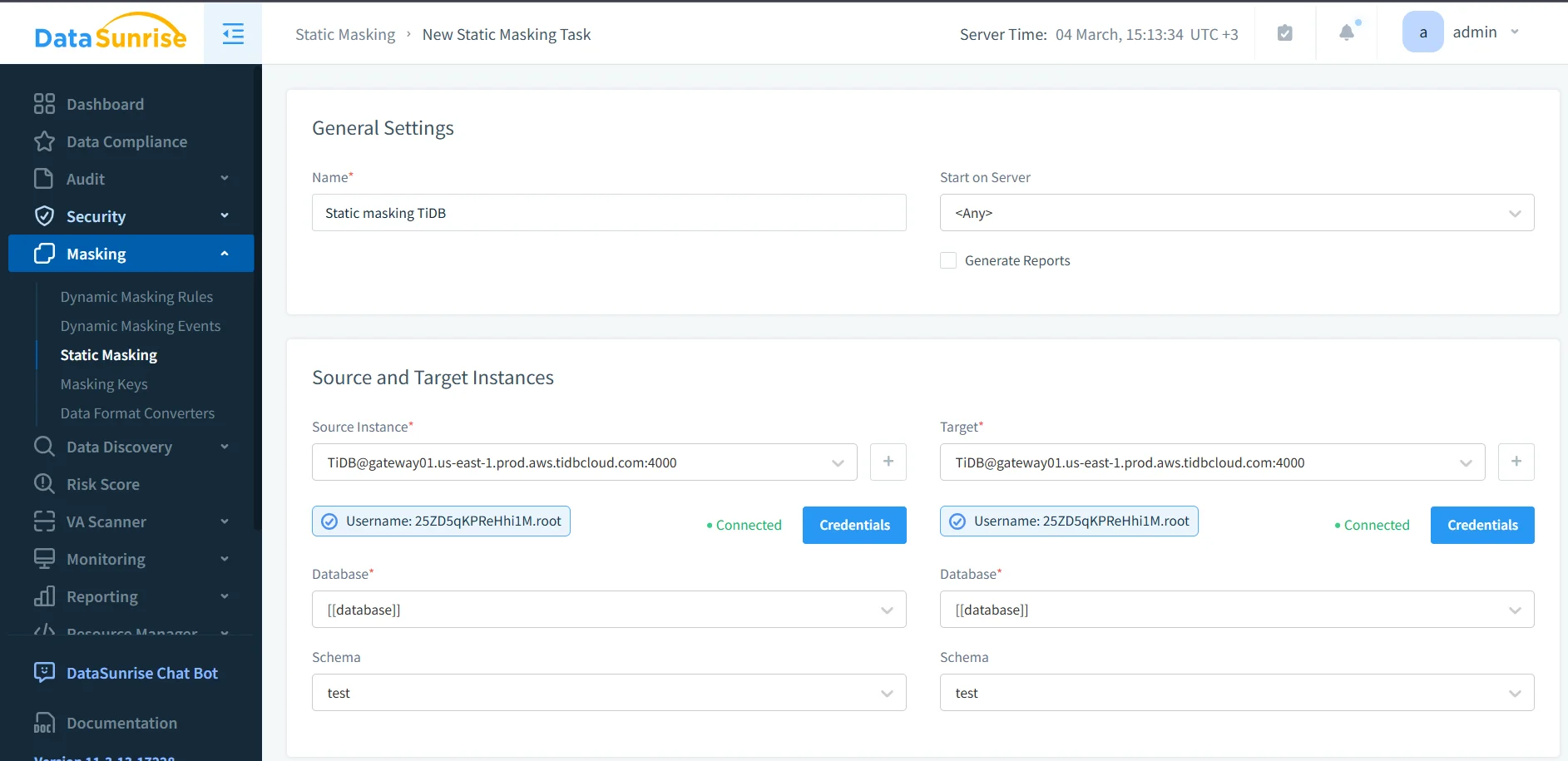
After you create the static masking task, select the source objects that will feed the target copy. Then assign masking behavior to the columns that need protection. The screenshot below shows a practical example: the table ds_masking_demo is selected, and the email column already has an explicit masking method applied.
Some fields need complete redaction. Others benefit from format-preserving replacements, deterministic substitution, or synthetic values that keep the application logic intact. The right choice depends on what the target dataset must still support.
| Column Type | Typical Static Masking Method | Why It Helps |
|---|---|---|
| Pattern-preserving substitution | Keeps a realistic shape without exposing the original address | |
| Phone | Template replacement | Supports test validation while removing real contact data |
| National ID | Full redaction | Eliminates exposure of highly sensitive identifiers |
| Card Number | Format-preserving mask | Maintains structure for testing without revealing payment details |
| Address | Generalization or substitution | Preserves location logic while lowering privacy risk |
| Free-text Notes | Conditional masking | Removes sensitive fragments hidden inside comment fields |
At this stage, it also helps to think beyond the masking job itself. Teams often pair static masking with database activity monitoring, maintain a clear audit trail, and keep job evidence in centralized audit logs. If you want a more formal process, the audit guide provides a solid framework for review and sign-off.
2. Run the task and confirm completion
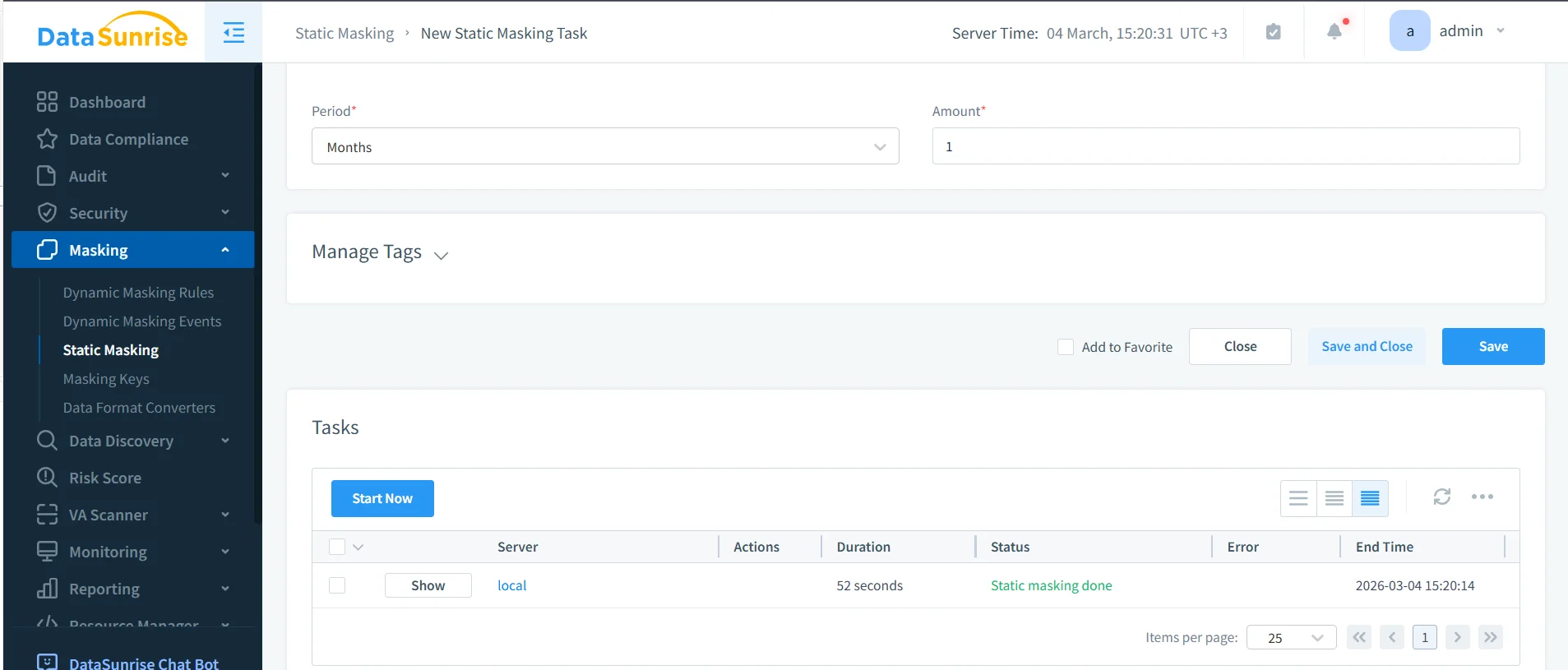
Once the masking methods are in place, launch the task and watch the execution status. The next screenshot shows a completed run with the status marked as Static masking done. That status matters because a safe design is still just theory until the task actually finishes and writes the transformed data into the target environment.
Use that moment to verify scope, timing, and operational context. Static masking is not just a button click; it is part of a broader protection workflow. The security guide helps frame masking inside a larger control set, especially when teams also use a database firewall, targeted security rules against SQL injections, and periodic vulnerability assessment to keep target environments from becoming fresh attack surfaces.
3. Validate the target copy with real SQL
Execution status is necessary, but it is not enough. The masked target copy still has to work for the teams who will use it. That means querying it with realistic SQL and checking whether the transformed values both protect the originals and preserve the behavior that testing or analytics still need.
A validation query can stay simple:
SELECT
  id,
  full_name,
  email,
  phone,
  national_id,
  card_number,
  card_exp,
  address_line,
  ip_addr,
  notes,
  created_at
FROM ds_masking_demo;
The screenshot below shows a result grid after static masking. Sensitive columns no longer expose the original values, and the target copy has clearly moved away from raw production truth.

Run that validation through the same tools your teams already use: SQL clients, ETL jobs, integration tests, report builders, and QA scripts. Otherwise you are only proving that the table opens, not that the environment is usable.
Static masking changes the target dataset permanently. If you choose the wrong masking method, you can break joins, validation logic, analytics, or application behavior. Always test on a representative subset before you refresh an entire lower environment.
Where teams usually get static masking wrong
- Obvious columns get all the attention. Notes, comments, address fragments, and custom metadata often leak more than the well-labeled fields.
- Table relationships get ignored. If a value must stay consistent across multiple tables, the masking method has to preserve that relationship.
- One happy-path query stands in for real validation. Production-like testing means dashboards, exports, joins, scripts, and application behavior—not one cheerful screenshot.
- The target gets treated like a toy environment. A masked copy still deserves monitoring, review, and ongoing governance.
Why static masking improves security and compliance in TiDB
Static masking reduces the blast radius of non-production access. Instead of giving developers, vendors, or analysts a production clone stuffed with secrets, you hand them a dataset that keeps the structure but drops the exposure. That is a cleaner foundation for Compliance Manager, broader 40+ data platforms coverage, and a more mature database security program when TiDB is only one part of a mixed data estate.
| Regulation | Typical Lower-Environment Risk | Static Masking Goal |
|---|---|---|
| GDPR | Personal data appears in dev, QA, and analytics copies | Support data minimization and reduce unnecessary disclosure |
| HIPAA | Protected health data leaks into non-clinical environments | Restrict sensitive healthcare data outside production |
| PCI DSS | Cardholder fields spread into test systems and exports | Prevent exposure of payment details in downstream copies |
| SOX | Financial records become too widely available in reporting clones | Maintain controlled handling and clearer accountability |
Conclusion
Applying static masking in TiDB is less about hiding data for the sake of it and more about making non-production environments safe enough to use without carrying raw production risk everywhere. The workflow is practical: identify sensitive fields, assign the right masking methods, run the task, and validate the target copy with real usage patterns.
With DataSunrise, teams can make that workflow repeatable instead of improvising it every time a new test environment appears. You protect the source, deliver a usable target, and lower the odds that a harmless-looking staging system turns into the place where real customer data escapes. That is the difference between disciplined masking and the usual chaos tax nobody wants to pay.
Protect Your Data with DataSunrise
Secure your data across every layer with DataSunrise. Detect threats in real time with Activity Monitoring, Data Masking, and Database Firewall. Enforce Data Compliance, discover sensitive data, and protect workloads across 50+ supported cloud, on-prem, and AI system data source integrations.
Start protecting your critical data today
Request a Demo Download Now