Apache Cassandra Data Compliance Automation
Introduction
Apache Cassandra is designed for performance and scale, but not for regulatory compliance. Features like audit logging and role-based access controls exist, yet they ship disabled by default and require careful manual setup. For organizations under GDPR, HIPAA, or PCI DSS, the gap is not just in features — it’s in automation.
This article explains how Cassandra handles compliance tasks today, what level of automation is possible natively, and how DataSunrise introduces true automation across discovery, enforcement, and reporting.
Automation in compliance means more than “config once and forget.” It means continuous, self-updating, and audit-ready controls that work without constant DBA intervention.
Native Cassandra: Manual Automation at Best
Cassandra offers technical knobs for compliance, but automation is limited:
- Audit Logging: Must be enabled in
cassandra.yamlon each node. No central aggregation. Automation = writing cron jobs and shipping scripts. - Query Logging (FQL): Can be turned on/off via
nodetool. Useful for replay, but captures only successful queries and requires manual rotation scripts. - RBAC: Roles can be scripted, but Cassandra has no scheduled access reviews, no drift detection, no time-limited grants.
- Dynamic Masking (5.0+): Enabled via schema changes. Not dynamic by user role; every change requires DDL updates.
- Reporting: None. Compliance evidence must be cobbled together manually from distributed logs.
In short: native Cassandra “automation” means custom scripts, cron jobs, and restarts. It’s brittle, node-by-node, and error-prone.
Example: Enabling and Collecting Audit Logs
One of the most common compliance steps in Cassandra is turning on audit logging. It’s straightforward, but still requires configuration on each node and some extra scripting for central visibility.
First, enable audit logging in cassandra.yaml:
# cassandra.yaml
audit_logging_options:
    enabled: true
    logger:
      - class_name: BinAuditLogger
    audit_logs_dir: /var/log/cassandra/audit
    included_categories: DML, DDL, AUTH
    roll_cycle: HOURLY
    block: true
With this in place, each node records activity locally. To make review easier, teams often add a simple script to gather logs in one location:
#!/bin/bash
# ship_audit_logs.sh
for node in node1 node2 node3; do
  scp cassandra@$node:/var/log/cassandra/audit/*.log \
      central-logger:/audit/$node/
done
This works reliably, but it shows how “automation” in Cassandra usually comes down to basic config plus helper scripts rather than built-in centralization.
DataSunrise: Compliance Automation as a Platform
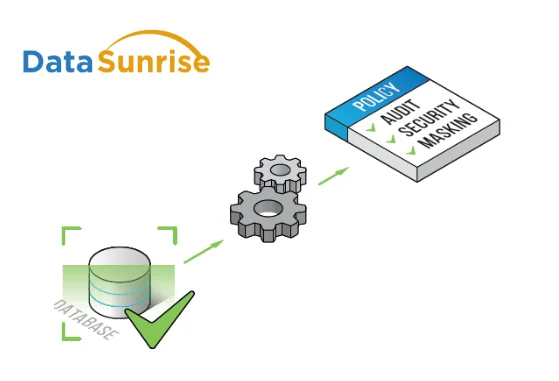
DataSunrise approaches automation differently: it provides a centralized compliance layer that works across Cassandra clusters without touching cassandra.yaml or restarting nodes.
Key Automations in DataSunrise
Automation is where Cassandra and DataSunrise truly diverge. While Cassandra provides building blocks that require scripting and manual oversight, DataSunrise introduces pre-configured modules that run continuously and scale across entire clusters. Below are the main automation capabilities DataSunrise brings to the table:
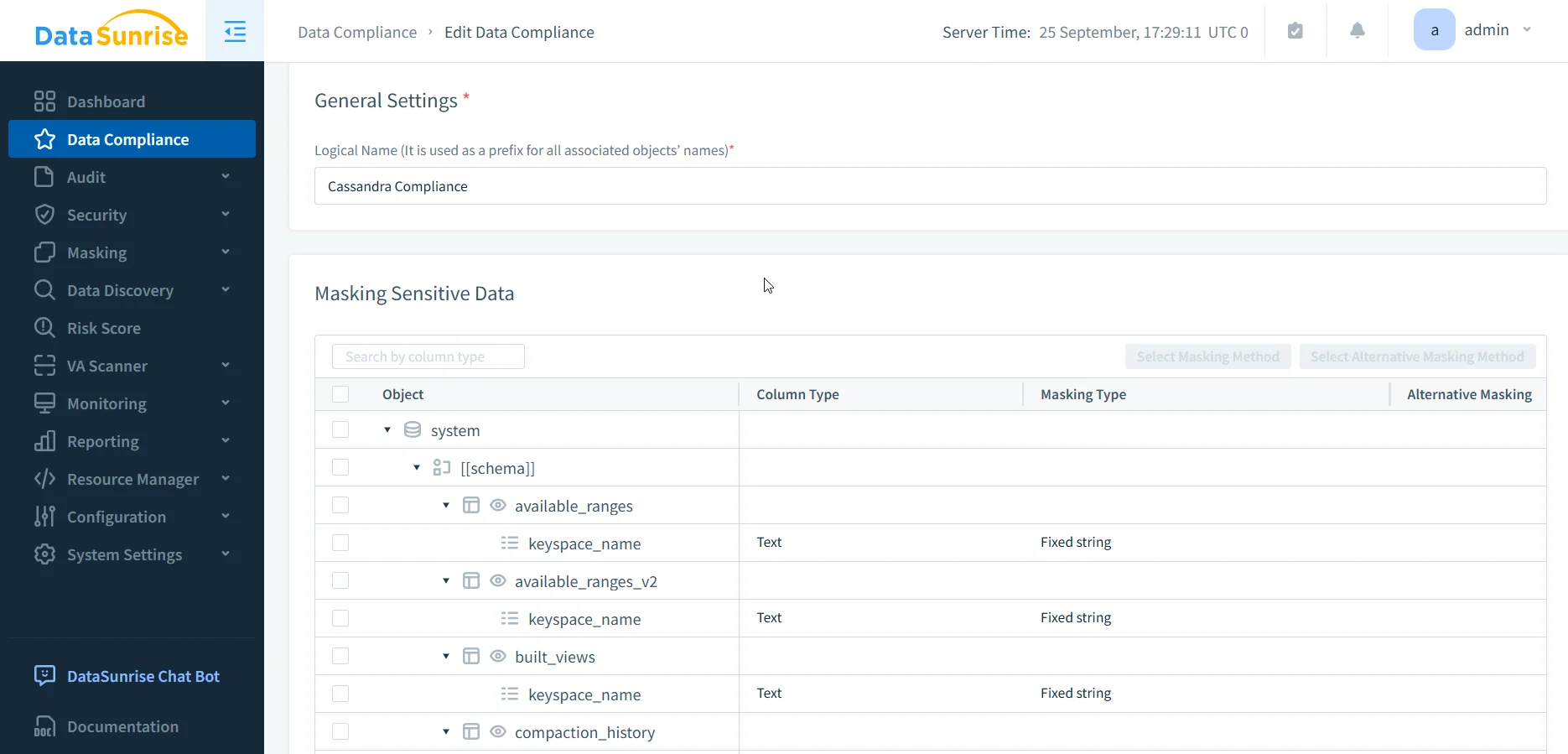
- Data Compliance: Pre-built rules for GDPR, HIPAA, PCI DSS, SOX. They apply instantly and adjust as schemas or users change.
- Sensitive Data Discovery: NLP and pattern recognition identify PII, PHI, and PCI automatically across keyspaces. No SQL scanning scripts needed.
- Dynamic Data Masking & Static Data Masking: Applied in real time without schema edits. Different rules by role or context — e.g., doctors see full data, nurses see partial. Static masking anonymizes datasets for testing.
- Audit Trails: One repository for the entire cluster. Captures both successful and failed attempts, with instant search.
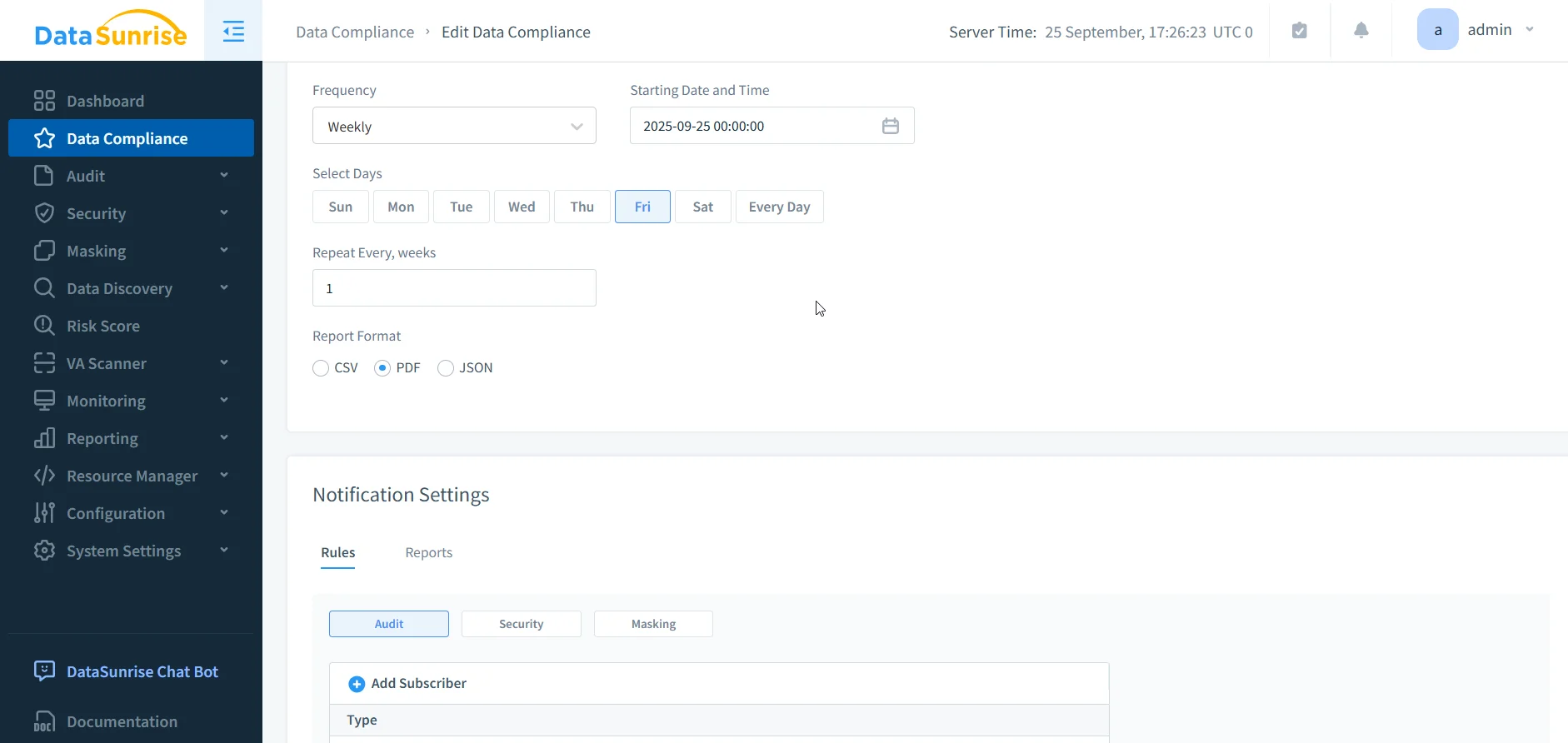
- Automated Compliance Reporting: One-click regulator-ready reports for GDPR, HIPAA, PCI DSS, SOX. Can be scheduled daily, weekly, or monthly.
- Database Activity Monitoring: Machine learning detects anomalous queries automatically and adjusts policies to prevent drift.
Where Cassandra demands manual upkeep, DataSunrise delivers continuous enforcement and evidence.
Side-by-Side: Automation in Practice
To make the differences clearer, the table below compares how the same compliance tasks are handled natively in Cassandra versus how DataSunrise automates them. The contrast shows that Cassandra’s “automation” often means scripts and manual processes, while DataSunrise turns those tasks into hands-off, repeatable workflows.
| Compliance Task | Native Cassandra | DataSunrise Automation |
|---|---|---|
| Audit Logging | Enable on each node, write scripts to ship logs | Centralized, cluster-wide, searchable in real time |
| Query Capture | Manual enable/disable of FQL, local replay only | Always on; full trails incl. failed attempts, correlated across nodes |
| RBAC & Access Control | Roles created manually, no time-limits or drift alerts | Centralized policies, time-bound grants, drift detection |
| Data Masking | Requires 5.0+, schema changes, same for all users | Real-time, role/context-aware, schema-free |
| Data Discovery | Manual SQL queries to guess column names | Automated NLP/OCR-based discovery |
| Compliance Reporting | None (manual log parsing required) | Pre-built, scheduled, auditor-ready reports |
| Incident Detection | Custom scripts to scan binary logs | ML-driven behavior analytics and real-time alerts |
Why Automation Matters
Without automation, compliance in Cassandra consumes:
- Time: Daily log reviews, weekly role audits, monthly reporting.
- Expertise: DBAs must double as compliance engineers.
- Risk: Human error, inconsistent scripts, and missed alerts.
With automation through DataSunrise, compliance becomes:
- Continuous: Policies adjust automatically as clusters evolve.
- Consistent: One dashboard governs Cassandra alongside 40+ other databases.
- Audit-ready: Reports and trails available instantly, no manual compilation.
Conclusion
Cassandra’s native tools can check compliance boxes, but they don’t automate compliance. At best, they let teams build scripts and cron jobs to patch gaps. That’s not sustainable at scale.
DataSunrise delivers true compliance automation for Cassandra: discovery, enforcement, monitoring, and reporting without node-by-node tinkering. The difference is stark: one approach demands constant manual oversight; the other makes compliance continuous and sustainable.
For organizations asking how to achieve data compliance automation with Apache Cassandra, the answer is clear — you need a platform like DataSunrise that transforms Cassandra’s raw controls into automated, auditable compliance.
Protect Your Data with DataSunrise
Secure your data across every layer with DataSunrise. Detect threats in real time with Activity Monitoring, Data Masking, and Database Firewall. Enforce Data Compliance, discover sensitive data, and protect workloads across 50+ supported cloud, on-prem, and AI system data source integrations.
Start protecting your critical data today
Request a Demo Download Now